
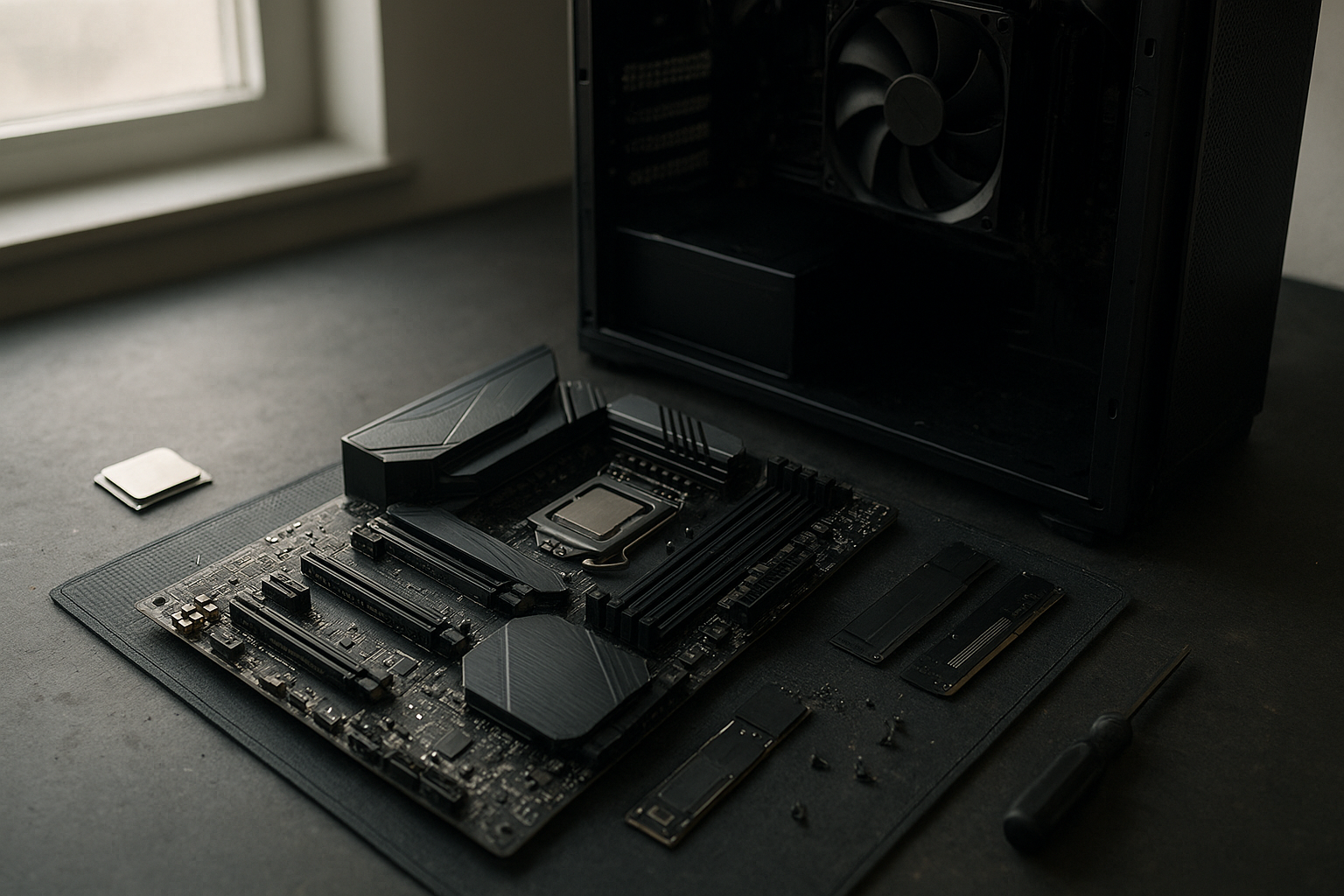
The MSI MEG X870E GODLIKE is an enthusiast-class AM5 motherboard built for Ryzen 9000 processors, high-speed DDR5 memory, multiple PCIe 5.0 devices, and unusually extensive rear-panel connectivity. It is aimed at buyers who want a no-compromise foundation for a workstation, high-end gaming system, or custom build with several fast storage and expansion devices—not someone simply looking for the lowest-cost way to run a Ryzen CPU.
This MSI X870E GODLIKE review explains what the board offers, where its premium design makes sense, and which limitations should affect your buying decision. You will also find a practical look at the BIOS, expansion layout, networking, storage, installation features, and the MSI GODLIKE motherboard pros and cons that matter after the novelty wears off.
Table of Contents
[[IMAGE: MSI MEG X870E GODLIKE motherboard photographed from above with its large heatsinks, reinforced PCIe slot, M.2 covers, and rear I/O area clearly visible on a dark studio surfac
What Is the MSI MEG X870E GODLIKE?
The MSI MEG X870E GODLIKE is a flagship desktop motherboard using AMD’s AM5 socket and X870E chipset. It supports current Ryzen 9000 processors and other compatible AM5 CPUs, although the exact processor, memory, and BIOS combination should always be checked against MSI’s support list before purchase.
Unlike a mainstream X870 board, the GODLIKE concentrates on power delivery, cooling, expansion, storage, networking, and installation convenience. It also uses a large E-ATX-style layout and a premium accessory package, so case compatibility is just as important as CPU compatibility.
The board’s appeal is easiest to understand in practical terms. A creator can combine several NVMe drives, fast wired networking, USB4 peripherals, and a powerful graphics card. A gaming enthusiast gets extensive tuning controls and a robust platform, but may use only a fraction of the motherboard’s available hardware.
What the X870E designation means
X870E is AMD’s high-end AM5 chipset tier. It is designed for systems that need broad PCIe 5.0 support and more connectivity than a typical budget or midrange AM5 platform. AMD’s official AM5 chipset information is the best place to verify platform-level compatibility rather than relying on a retailer’s abbreviated specification list.
The chipset does not make every component run faster by itself. Storage performance still depends on the SSD, graphics performance depends mainly on the GPU and processor, and memory overclocking depends on the kit and the CPU’s integrated memory controller. The value of a premium X870E board comes from flexibility and implementation, not from a guaranteed frame-rate increase.
Key Features and AM5 Platform Support
The MSI MEG X870E GODLIKE is designed around the needs of high-end Ryzen builds. Its feature set is broad, but the most relevant areas are processor support, memory capacity, PCIe layout, power delivery, cooling, and the tools MSI provides for setup and troubleshooting.
Ryzen 9000 and AM5 compatibility
The board is positioned as a strong match for Ryzen 9000 desktop processors, including high-core-count models intended for demanding gaming, rendering, software development, and content creation. It also belongs to the longer-running AM5 ecosystem, which can make it a more flexible foundation than buying into a platform with no expected CPU upgrade path.
Compatibility is not the same as guaranteed overclocking headroom. A powerful motherboard can provide cleaner power and better cooling around the socket, but CPU silicon quality, firmware maturity, cooling capacity, and safe voltage settings still determine the result. For a new build, update the BIOS using MSI’s documented procedure before changing advanced tuning options.
Memory support and tuning
Like other current high-end AM5 motherboards, the GODLIKE uses DDR5 memory and provides four DIMM slots. Actual maximum capacity and supported memory speeds can vary by BIOS version, memory configuration, and the processor’s memory controller, so consult MSI’s qualified vendor list before buying an unusually large or aggressive kit.
For most Ryzen 9000 systems, a matched two-DIMM kit is the sensible starting point. Filling all four slots can be useful when capacity matters more than maximum memory frequency, but it may make high-speed tuning more difficult. Enable the appropriate AMD memory profile in the BIOS rather than manually entering timings unless you are deliberately tuning the system.
Power delivery and thermal design
The GODLIKE uses a substantial VRM and heatsink design intended for high-core-count Ryzen processors under sustained load. That matters in workloads such as code compilation, 3D rendering, simulation, and long video exports, where motherboard temperatures and power stability can affect sustained operation.
It does not remove the need for sensible airflow. A large CPU cooler, a correctly oriented case fan setup, and airflow over the motherboard’s upper area remain important. The board’s heatsinks can spread heat effectively, but they cannot compensate for a sealed case or an undersized CPU cooler.
Expansion, Storage, and Connectivity
X870E motherboard features are most valuable when a system will use several high-bandwidth devices at once. The MSI MEG X870E GODLIKE focuses heavily on this area, with PCIe 5.0 expansion, multiple M.2 options, high-speed networking, USB4, and a large rear I/O selection.
PCIe layout for graphics and add-in cards
The primary graphics slot is reinforced and designed for a modern high-end GPU. The board also provides additional full-length expansion capability, although the exact electrical allocation can change when multiple slots or onboard M.2 connections are populated.
This is a key planning point. A second long slot may be physically suitable for a capture card, high-speed network adapter, storage controller, or accelerator, but it does not automatically provide the same bandwidth as the primary graphics slot. Read the lane-sharing diagram in the manual before installing several add-in cards.
For most gaming systems, one graphics card is the correct configuration. The extra expansion space becomes more useful in a workstation that needs a capture device, professional audio hardware, additional networking, or specialized compute hardware.
Multiple M.2 drives and PCIe 5.0 storage
The board is built for users who want more than one NVMe drive. Its M.2 arrangement includes PCIe 5.0-capable connections alongside additional storage options, while substantial heatsinks help protect drives from thermal throttling during sustained transfers.
PCIe 5.0 SSDs can deliver excellent sequential throughput, but they also run hotter and often cost more than mature PCIe 4.0 models. For a gaming library, a good PCIe 4.0 drive may provide the better balance. PCIe 5.0 makes more sense for large project files, scratch workloads, frequent transfers, or a buyer who wants maximum platform headroom.
Before installing drives, check which M.2 sockets share lanes with the expansion slots or SATA ports. The manual’s storage diagram is more useful than a simple count of M.2 connectors because it tells you what may be disabled or reconfigured when every socket is populated.
Networking and rear I/O
The X870E motherboard connectivity package is one of this model’s strongest selling points. The board provides high-speed wired networking, wireless networking based on the system’s supported Wi-Fi generation, and a wide selection of USB connections that can reduce the need for hubs.
Fast networking is valuable only when the rest of the network supports it. A 10Gbps-class connection can help with a compatible switch, NAS, workstation, or server, but it will not make an ordinary internet connection faster. Wireless performance likewise depends on the router, antenna placement, channel conditions, and the client device.
USB4 support is useful for compatible docks, external SSDs, displays, and other high-bandwidth devices. However, USB-C connector shape does not guarantee USB4 speed. Use the port labels and the technical specifications to determine which connections support USB4, display output, charging, or a particular transfer rate.
| Feature area | Why it matters | Best fit |
|---|---|---|
| PCIe 5.0 expansion | Provides headroom for current and future high-bandwidth devices | Enthusiasts, workstation builders, and expansion-card users |
| Several M.2 connections | Allows separate operating system, project, game, and scratch drives | Creators and users managing large local datasets |
| High-speed wired networking | Improves transfers to compatible NAS, servers, and workstations | Homes or offices with faster-than-gigabit networking |
| USB4 and extensive USB | Supports modern docks and external storage with fewer adapters | Desk setups with several high-speed peripherals |
| Premium firmware and diagnostics | Makes memory tuning and troubleshooting less frustrating | Builders who regularly change hardware or tune systems |
BIOS and Building Experience
A flagship board should make difficult jobs easier, and the MSI GODLIKE motherboard BIOS is a major part of the product’s appeal. MSI’s firmware offers a simplified mode for essential settings and an advanced mode for memory profiles, fan control, boot configuration, storage settings, and processor tuning.
Useful BIOS controls
- Memory profile support: Apply a tested DDR5 profile as a starting point instead of configuring every timing by hand.
- Fan tuning: Build temperature-based curves for the CPU cooler, case fans, pump, and other connected headers.
- Hardware monitoring: Check temperatures, fan speeds, voltages, and detected devices while diagnosing a new build.
- Flash BIOS features: Update firmware using MSI’s recommended method, including the appropriate USB port and file naming process when required.
- Debugging tools: Onboard indicators and diagnostic displays can identify memory, CPU, graphics, or boot-stage problems more quickly than trial and error.
Firmware menus can change after updates, so screenshots from an older guide may not exactly match the current interface. Use MSI’s official support resources for the latest BIOS file, manual, CPU support list, and memory compatibility information.
Installation features that save time
MSI’s premium boards typically emphasize tool-free or tool-reduced installation details, including easier M.2 heatsink access, reinforced graphics-card retention, and more convenient headers. These features do not improve benchmark results, but they can make a meaningful difference when installing a large GPU or replacing an SSD in a tightly packed case.
Planning remains essential. The board is physically large, and its heatsinks, memory slots, graphics card, and M.2 covers can compete for space with a radiator or an oversized CPU air cooler. Confirm the case’s motherboard support, GPU clearance, radiator position, front-panel cable routing, and power-supply connector reach before ordering.
[[IMAGE: Close-up of the MSI MEG X870E GODLIKE BIOS hardware-monitoring screen beside the motherboard’s diagnostic display, showing memory settings, fan curves, and troubleshooting indicators]]
Performance Expectations
As an AM5 motherboard review, this board needs a realistic performance assessment: the motherboard enables performance, but it is rarely the main reason a Ryzen system is fast. With the same processor, graphics card, memory configuration, and storage drive, a less expensive board may deliver very similar application and gaming results at stock settings.
Where the board can help
The MSI MEG X870E GODLIKE can be a better platform when the workload stresses connectivity or sustained operation rather than simple frame rates. Examples include editing directly from fast local storage, moving projects across a high-speed network, running several add-in cards, or maintaining a high-core-count CPU under long loads.
Its firmware and power design can also make enthusiast tuning more convenient. That does not guarantee a higher overclock, but it provides more controls and more electrical and thermal margin than a basic motherboard typically offers.
Where it will not create a major advantage
Buying this board will not automatically make a midrange graphics card perform like a flagship model. It also will not make a slow SSD behave like a high-end PCIe 5.0 drive, and it cannot overcome inadequate cooling, unstable memory, or a poor case airflow layout.
For a gaming-first build with one GPU, one or two SSDs, and ordinary wired networking, the money saved on a lower-tier board may produce a larger visible improvement when invested in the graphics card, monitor, storage capacity, or cooling system.
MSI GODLIKE Motherboard Pros and Cons
Pros
- Extensive expansion: The X870E platform and full-length slots suit complex systems with multiple add-in cards.
- Strong storage flexibility: Multiple M.2 connections make it practical to separate games, applications, projects, and scratch data.
- Modern high-speed I/O: USB4, fast networking, Wi-Fi, and a broad rear I/O selection reduce dependence on adapters.
- Enthusiast-friendly firmware: Detailed controls, diagnostics, and fan management are useful for tuning and troubleshooting.
- Robust physical design: Reinforced slots, substantial heatsinks, and accessible installation features suit premium builds.
- Long-term AM5 foundation: It offers more platform flexibility than buying a motherboard with very limited expansion capacity.
Cons
- Very high purchase cost: Much of the price pays for connectivity and luxury features that many users will never use.
- Large form factor: Case compatibility and cable clearance require more attention than with a conventional ATX board.
- Complex lane sharing: Populating every M.2 socket and expansion slot may alter available bandwidth or disable another connection.
- Premium storage is not always good value: PCIe 5.0 SSDs can be expensive and hot for workloads that do not need their peak throughput.
- Firmware tuning still requires care: Automatic memory profiles and processor settings can be unstable on some CPU and DIMM combinations.
- Limited gaming return: A typical single-GPU gaming PC may not perform noticeably better than a well-chosen mainstream X870E system.
Who Should Buy the MSI MEG X870E GODLIKE?
The board makes the most sense for a buyer who already knows why the extra hardware matters. It is a particularly good fit for a workstation or enthusiast system that will use several of the following at the same time:
- A high-core-count Ryzen 9000 processor running demanding workloads.
- Multiple NVMe drives, including one or more PCIe 5.0 models.
- A fast NAS, server, or wired network that can use high-speed Ethernet.
- USB4 storage, docks, displays, or other demanding peripherals.
- Several expansion cards, such as capture, audio, storage, or networking hardware.
- Frequent BIOS tuning, hardware swaps, memory testing, or custom cooling control.
It can also suit a luxury gaming build where the buyer values the board’s design, diagnostic tools, accessory bundle, and connectivity regardless of whether every feature is essential.
Who should avoid it?
Choose a less expensive X870E, X870, or other compatible AM5 motherboard if your system will use one graphics card, one or two drives, standard gigabit networking, and a normal number of USB devices. Those systems may need excellent CPU power delivery and a reliable BIOS, but they do not necessarily need a flagship board.
The GODLIKE is also a poor match for a compact case, a tightly constrained budget, or a build where the graphics card is the only major expansion device. In those situations, a smaller board or a better-balanced allocation of funds will usually produce a more sensible result.
Is it the best motherboard for Ryzen 9000?
It can be one of the best motherboards for Ryzen 9000 if “best” means the most complete feature set and the greatest expansion flexibility. It is not automatically the best value, and it is not required for a Ryzen 9000 processor to reach strong stock performance.
Before purchasing, compare the rear I/O, M.2 layout, network speed, BIOS features, case dimensions, and warranty terms against two or three less expensive alternatives. The right question is not whether the GODLIKE has more features; it is whether your build will use enough of them to justify the premium.
Key Takeaways
- The MSI MEG X870E GODLIKE is a flagship AM5 motherboard for Ryzen 9000 and other compatible processors.
- Its strongest advantages are expansion, storage capacity, high-speed networking, USB4, diagnostics, and firmware control.
- Its price is difficult to justify for a basic gaming PC with one GPU, a small number of drives, and ordinary networking.
- Check the case size, CPU cooler clearance, power connectors, memory QVL, and PCIe lane-sharing diagram before buying.
- PCIe 5.0 storage is useful for demanding transfers, but a quality PCIe 4.0 SSD may offer better value for gaming.
- Use MSI’s current support page and manual for BIOS, processor, memory, and storage compatibility details.
Frequently Asked Questions
Is the MSI MEG X870E GODLIKE compatible with Ryzen 9000 processors?
Yes, the board is designed for AMD’s AM5 desktop platform and supports Ryzen 9000 processors, subject to the specific CPU model and BIOS version. Check MSI’s current CPU support list before installation, particularly if the motherboard has been sitting in retail inventory for some time. Updating the BIOS before enabling memory tuning or advanced processor settings is a sensible first step for any new build.
Is the MSI MEG X870E GODLIKE worth buying for gaming?
It is worth considering for a luxury gaming PC when you want extensive storage, high-speed networking, USB4, advanced diagnostics, and a premium installation experience. For a normal single-GPU gaming system, however, a cheaper X870E or X870 motherboard may produce essentially the same gaming performance. Put the price difference toward the graphics card or display unless you have a clear use for the GODLIKE’s additional hardware.
How many M.2 drives can the MSI MEG X870E GODLIKE support?
The board is designed to support several M.2 NVMe drives, including PCIe 5.0-capable connections. The exact usable count and lane behavior depend on the specific board revision, included accessories, and which PCIe or SATA connections are populated. Consult the current MSI manual before finalizing a storage plan, because filling every socket can change lane allocation or disable another port.
Does the board support PCIe 5.0?
Yes. PCIe 5.0 support is one of the reasons to choose an X870E motherboard, and the GODLIKE provides PCIe 5.0 capability for relevant expansion and storage connections. The practical benefit depends on the installed device. Current graphics cards and many everyday peripherals do not require PCIe 5.0, while compatible NVMe drives and future expansion hardware can make better use of the additional bandwidth.
Does the MSI MEG X870E GODLIKE need special memory?
It requires DDR5 memory, not DDR4. A matched two-module kit listed on MSI’s memory compatibility information is generally the least troublesome starting point. Higher advertised speeds are not guaranteed on every Ryzen processor, especially with four DIMMs or very large-capacity modules. Enable the appropriate memory profile only after confirming that the system is stable at default settings.
Will its high-speed Ethernet improve internet speed?
Only if your internet service, router, switch, cabling, and remote server can use the higher link speed. Otherwise, the connection will operate at the fastest speed supported by the network. High-speed Ethernet is more immediately useful for transfers between a compatible PC, NAS, workstation, or server. It is valuable infrastructure for a suitable network, not a substitute for a faster internet plan.
What case size is suitable for this motherboard?
Because the GODLIKE uses a large enthusiast-oriented layout, do not assume every ATX case will fit it comfortably. Check the motherboard support list, mounting dimensions, radiator clearance, GPU width, cable-routing space, and placement of front-panel connectors. A case that technically supports the board may still be frustrating if the right edge is crowded or the power cables have no room to bend.
Should I buy the GODLIKE instead of another premium AMD motherboard?
Compare the features you will actually use: M.2 count, PCIe slot layout, networking, USB4, rear I/O, BIOS controls, case fit, and warranty support. The GODLIKE is compelling when it solves several expansion or connectivity requirements in one board. If most of its connectors will remain empty, another premium AMD motherboard can deliver a similar core experience at a much lower cost.
[[IMAGE: Completed high-end Ryzen 9000 workstation built with the MSI MEG X870E GODLIKE, several NVMe drives, a large graphics card, high-speed Ethernet cable, and USB4 dock connected]]
Conclusion
The MSI MEG X870E GODLIKE is a feature-rich premium AMD motherboard for buyers who need more than basic AM5 compatibility. Its strongest case is a complex Ryzen 9000 workstation or enthusiast build with multiple NVMe drives, high-speed networking, USB4 peripherals, several expansion cards, and a need for detailed BIOS and diagnostic controls.
It is not a universal recommendation for gaming. Before buying, map your planned storage and expansion devices to the motherboard manual, verify that your case supports the large layout, and compare the cost with a less expensive X870E option. If your build genuinely uses the connectivity and expansion headroom, the GODLIKE is a powerful long-term platform; if not, invest the difference in the GPU, monitor, storage capacity, or cooling.