
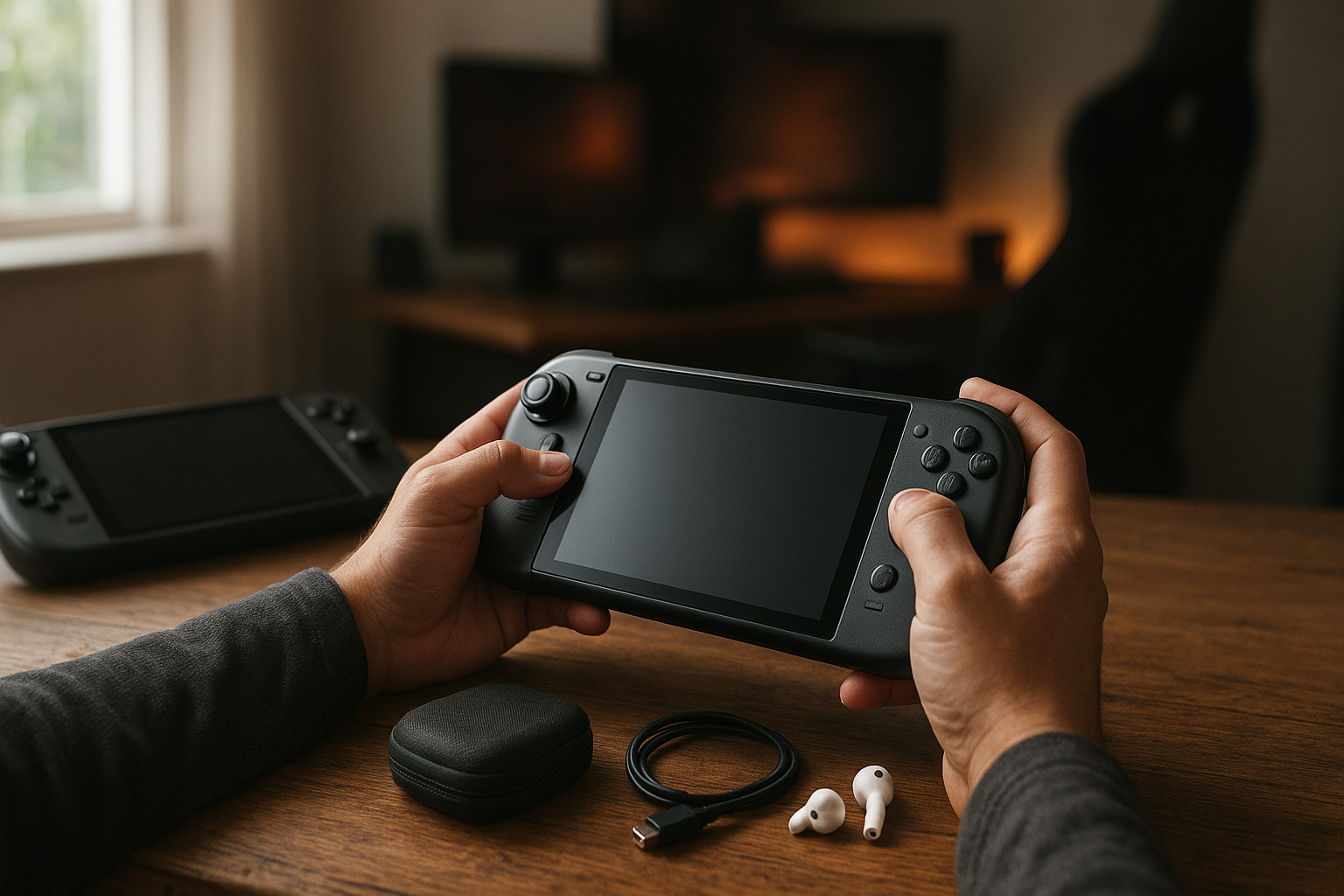
The best PC gaming handhelds now range from console-like devices with streamlined software to powerful Windows machines that can replace a small gaming laptop. The right choice depends less on peak specifications than on the games you play, how much setup you tolerate, whether you need a desktop, and how often you play away from a charger.
This PC gaming handheld buying guide compares the main device types, explains the trade-offs behind performance and battery life, and outlines which handheld gaming PC makes sense for different buyers. It also covers Steam Deck alternatives, compatibility, controls, displays, storage, accessories, and the practical limitations that product pages often overlook.
Table of Contents
[[IMAGE: A Steam Deck OLED, ASUS ROG Ally X, and Lenovo Legion Go arranged beside a USB-C dock, with one device showing a modern PC game and another showing a Windows desktop]]
Best PC Gaming Handhelds at a Glance
There is no single winner for every buyer. A Steam Deck OLED remains the easiest recommendation for someone who values a console-like interface and a strong suspend-and-resume experience. Windows models such as the ASUS ROG Ally X and Lenovo Legion Go are more flexible for game launchers, desktop software, and demanding games, but they require more configuration.
The following categories provide a more useful starting point than a simple ranked list:
- Best overall ease of use: Steam Deck OLED, especially for players who primarily use Steam and compatible games.
- Best Windows all-rounder: ASUS ROG Ally X, for buyers who want strong performance, a large battery, and a relatively compact design.
- Best large-screen option: Lenovo Legion Go, for players who prefer a larger high-refresh-rate display and detachable controllers.
- Best for broader PC flexibility: A current Windows handheld with a modern AMD Ryzen Z-series chip, provided you are comfortable managing Windows.
- Best value approach: A discounted previous-generation model, as long as its battery condition, storage, warranty, and port selection still fit your needs.
These recommendations are deliberately use-case based. Handheld pricing, stock, firmware, and model configurations change, so check the manufacturer’s current specifications before buying rather than relying on an old deal page or a similarly named configuration.
How to Choose a Handheld Gaming PC
A portable gaming PC has several jobs at once: it must render games, provide comfortable controls, run quietly enough for close-range play, and last long enough to be useful away from a wall outlet. A faster processor does not automatically make a better handheld if it comes with an uncomfortable grip, poor sleep behavior, or a short practical runtime.
Start with your game library
Steam users who mostly play single-player games have different requirements from someone who depends on competitive multiplayer, mod managers, several launchers, or anti-cheat-protected games. Before comparing hardware, make a list of the five to ten games you are most likely to play on the device.
- Indie games and older PC titles: prioritize software simplicity, display quality, controls, and battery efficiency.
- Modern AAA games: prioritize sustained cooling, memory capacity, fast storage, and the ability to tune power limits.
- Competitive games: check anti-cheat and operating-system support before purchase. A game that runs well technically may still block handheld play.
- Modded games: Windows may be more convenient, although SteamOS can handle many desktop tasks with extra work.
- Game Pass PC and several launchers: a Windows handheld usually offers the least friction.
Choose the operating system before the processor
SteamOS presents games in a console-style interface and can make a Steam Deck feel focused rather than like a tiny laptop. Its compatibility layer, Proton, allows many Windows games to run on Linux, but compatibility is not universal and may change after game or launcher updates. Valve maintains the official Proton project on GitHub, which is useful for understanding its role and current development.
Windows supports a broader range of launchers, PC storefronts, peripherals, and desktop applications. The compromise is that Windows was designed for mouse-and-keyboard PCs, not a seven-inch touchscreen with gamepad controls. Manufacturer control centers improve the experience, but you may still encounter scaling issues, launcher updates, notifications, driver maintenance, or awkward on-screen keyboard behavior.
Think about ergonomics, not just weight
Two devices with similar weights can feel very different. Grip shape, stick placement, trigger resistance, button reach, fan noise, and how much pressure the device puts on your wrists all affect long sessions. Detachable controllers can help with tabletop play, but they do not necessarily make a handheld more comfortable in bed or on a train.
Look for controls that suit your games. Hall-effect sticks may reduce the risk of traditional potentiometer drift, but they do not guarantee perfect durability. Rear buttons are valuable for action games and shortcuts, while a trackpad can be particularly useful for strategy games, desktop navigation, and games designed around a mouse.
Performance and Battery Life
Handheld PC performance depends on more than the name of the chip. The processor’s power limit, cooling system, memory configuration, driver version, game settings, resolution, and frame-rate target all matter. A device can advertise a high performance mode that is useful when plugged in but inefficient for portable play.
What processor specifications actually tell you
Many current Windows handhelds use AMD Ryzen Z-series processors. AMD’s official Ryzen Z-series overview describes the platform, but the presence of a particular chip does not tell you the complete story. Manufacturers can configure power limits and cooling differently, and two devices with similar silicon can produce different results in sustained gaming.
Integrated graphics also use system memory rather than dedicated graphics memory. This makes memory capacity and bandwidth important. If you expect to run large modern games, keep numerous applications open, or use high-resolution textures, a model with more memory can provide more headroom than an otherwise similar lower-memory version.
Why resolution and refresh rate create trade-offs
A higher-resolution display can make Windows text and desktop applications look sharper, but it also gives the GPU more pixels to render. On a small handheld screen, many games look convincing at a lower internal rendering resolution, especially when paired with an upscaling technology supported by the game or driver.
High refresh rates can make menus and supported games feel smoother. They are less valuable when a demanding title cannot maintain a matching frame rate, and they may consume more power depending on the panel and settings. A 1080p or higher panel is not automatically better for a handheld if your priority is long battery life and stable performance.
Understanding handheld gaming battery life
Handheld gaming battery life varies dramatically by game and power mode. A lightweight 2D game may run for much longer than a demanding 3D title, while screen brightness, frame-rate caps, wireless radios, background updates, and fan behavior also affect runtime.
Compare battery capacity only as a starting point. A larger battery generally gives a device more endurance potential, but a more powerful system can consume that extra capacity quickly. For realistic expectations, consider three scenarios:
- Low-demand play: older games, emulation, and indie titles can benefit from a lower power limit.
- Typical modern play: a 30 or 40 frames-per-second cap often offers a better balance than chasing the highest possible frame rate.
- High-demand play: new AAA games may require a charger, a power bank that supports the device’s charging requirements, or a nearby outlet.
Battery health matters when buying used. Ask about the device’s reported battery condition, inspect the charger, and check whether the battery is swollen or unusually warm. Replacing a battery may be possible, but the repair cost and availability differ by model.
Software and Game Compatibility
Compatibility is one of the biggest differences between the best PC gaming handhelds. A game can have excellent graphics performance and still be a poor fit because of its launcher, anti-cheat system, control scheme, or required online services.
SteamOS and Steam Deck alternatives
SteamOS is attractive because it keeps the main experience close to a console. You can install games, adjust performance settings, suspend supported games, and return to the library without managing a conventional Windows desktop. The trade-off is that some games and services work better on Windows, particularly when they rely on unsupported anti-cheat configurations or launchers.
Steam Deck alternatives generally offer more raw performance or broader Windows compatibility, but they may need more maintenance. You might need to update graphics drivers, set per-game power profiles, organize multiple storefronts, or troubleshoot a launcher that was never designed for a controller-first interface.
Windows on a handheld PC
Windows makes a handheld gaming PC more versatile. It can run PC Game Pass, Epic Games Store, Battle.net, most standard desktop applications, and accessories that expect Windows drivers. It is also easier to use for file management, modding tools, and games with unusual installation requirements.
That flexibility has a cost. Windows updates can interrupt a planned session, the desktop interface is cramped, and the device may boot into a login or launcher screen rather than directly into a game library. Before buying a Windows model, ask whether you are comfortable treating it as a miniature PC rather than a dedicated console.
Handheld Gaming PC Comparison
This high-level handheld gaming PC comparison focuses on product positioning rather than fixed benchmark numbers. Performance depends on the exact configuration, firmware, game, power setting, and whether the device is plugged in. Use it to narrow your choices, then verify the current model page and independent testing for the games you care about.
| Device type or example | Main strength | Main compromise | Best suited to |
|---|---|---|---|
| Steam Deck OLED | Console-like SteamOS interface, strong controls, OLED display on the OLED model | Less convenient for some launchers and incompatible online games; lower peak performance than newer Windows handhelds | Steam-focused players, indie games, older titles, and buyers who value simplicity |
| ASUS ROG Ally X | Windows flexibility, capable AMD platform, larger battery than the original Ally design | Windows still requires desktop-style management; demanding games can consume battery quickly | Players using several PC storefronts who want a compact Windows handheld |
| Lenovo Legion Go | Large high-refresh-rate display and detachable controllers | Bulkier design and a more involved Windows experience | Players who value screen size, tabletop use, and flexible controls |
| Other modern Windows handhelds | More choice in screen, storage, controls, battery, and processor configurations | Quality, software polish, support, and availability vary by manufacturer | Experienced PC buyers who compare the complete design rather than one specification |
The table also shows why specifications should not be isolated from the design. A device with faster hardware may produce higher frame rates, but a better-balanced model may be more enjoyable if it remains comfortable, quiet, and usable for the games you actually play.
[[IMAGE: Close-up comparison of a handheld PC OLED display, a high-refresh-rate LCD display, and the rear grips and trigger layout of three major handheld gaming devices]]
Best Handheld Gaming PC for Each Player
Choose the Steam Deck OLED if you want the least friction
The Steam Deck OLED is a strong choice for someone whose library is mainly on Steam and who wants a console-like experience. Its interface, control layout, suspend behavior, and community knowledge base make it approachable for first-time PC handheld owners. The OLED model also improves the visual experience compared with the original LCD version through its display characteristics.
Choose something else if you need broad compatibility with Windows-only launchers, rely on unsupported competitive games, or want the highest performance available from a current handheld. It is also not the ideal replacement for a desktop PC if you expect to use Windows software regularly.
Choose the ASUS ROG Ally X if you want a flexible Windows portable gaming PC
The ASUS ROG Ally X is aimed at buyers who want Windows compatibility without choosing the largest handheld design. Its larger battery than the original Ally gives it more endurance potential, while the AMD platform and adjustable power behavior allow you to prioritize performance or efficiency depending on the game.
It suits players who use Steam, Game Pass PC, Epic, and other launchers. It is less appealing if you dislike Windows maintenance or expect every game to behave like a console title immediately after installation. ASUS provides product information through the official ROG Ally X product page, but check the exact regional configuration before ordering.
Choose the Lenovo Legion Go if the screen and controls come first
The Legion Go stands out for its large display and detachable controllers. That format can be useful for strategy games, browsing, tabletop play, and situations where the device is supported on a desk or tray. The built-in kickstand adds flexibility that conventional handheld shapes do not provide.
Its size can be a disadvantage during long handheld sessions, and Windows remains part of the experience. If you usually play in bed, commute with the device, or have smaller hands, test the grip and button reach if possible before buying.
Consider a previous-generation model when the discount is meaningful
A previous-generation handheld can be a sensible purchase when it is substantially cheaper and still meets your requirements. Older devices can run a large existing PC library well, particularly at a capped frame rate and moderate settings. The important checks are battery health, warranty status, storage capacity, USB-C charging behavior, and whether the model receives useful firmware and driver support.
A small discount is not enough if you will immediately need a larger SSD, dock, case, charger, and replacement battery. Calculate the complete ownership cost rather than comparing only the device price.
Accessories and Ownership Costs
The best portable gaming devices become more practical with a few carefully chosen accessories, but you do not need to buy a complete bundle on day one. Start with the items that solve a specific problem in your routine.
- Protective case: useful for travel and for protecting sticks, triggers, and the screen in a bag.
- USB-C charger: use a charger with adequate power delivery for the handheld’s recommended modes.
- USB-C dock or hub: helpful for a monitor, Ethernet, keyboard, mouse, or external storage.
- microSD card: convenient for compatible game libraries, though internal storage may offer better loading consistency for some games.
- Screen protector: worthwhile if the handheld will travel frequently.
- Power bank: check its USB-C output and charging behavior rather than buying based only on capacity.
Storage deserves special attention. Large modern games can quickly fill an entry-level drive, while moving games between internal and removable storage adds time and management. If you plan to install several large titles, compare the internal SSD size and upgradeability before focusing on small differences in graphics performance.
Docked play is useful, but not a console guarantee
Most handheld PCs can connect to a monitor or television through USB-C accessories, but docked play does not turn integrated graphics into a desktop GPU. You may need to lower resolution or settings on a large external display, especially in demanding games.
Docking can still be valuable for desktop work, local multiplayer, emulation, or games that benefit from a keyboard and mouse. Verify video output, USB port availability, charging support, and operating-system compatibility for the dock you choose.
Ergonomics and repairability should influence the purchase
Read long-term ownership reports for issues such as stick wear, trigger problems, fan noise, loose ports, and battery replacement. Manufacturer repair programs and parts availability vary, so a cheaper device with difficult repairs may cost more over its useful life.
Also consider where you will use the device. A large handheld with a kickstand may be excellent on a table but awkward on public transport. A compact model may travel better but provide less cooling capacity or a smaller battery.
Key Takeaways
- The best PC gaming handhelds are defined by the balance of software, comfort, battery behavior, and performance—not processor specifications alone.
- Steam Deck OLED is the simplest choice for Steam-focused players who value a console-like interface.
- Windows handhelds are better for several launchers, PC Game Pass, modding tools, and desktop applications, but require more maintenance.
- Higher power modes can improve frame rates while reducing handheld gaming battery life, often substantially for demanding games.
- Check your most-played games for anti-cheat, launcher, controller, and operating-system compatibility before buying.
- Compare total ownership cost, including storage, charger, case, dock, and possible battery replacement.
- A previous-generation model can be a good deal when its battery, support, storage, and warranty remain acceptable.
Frequently Asked Questions
What is the best PC gaming handheld for most people?
For a Steam-focused player who wants a simple, console-like experience, the Steam Deck OLED is one of the safest recommendations. For someone who needs Windows launchers, PC Game Pass, broader game compatibility, or desktop software, a Windows model such as the ASUS ROG Ally X may be a better fit. “Best” depends on your library and tolerance for setup, so check those factors before comparing peak performance.
Are PC gaming handhelds worth buying?
They are worth buying if you value portable access to a PC library and can accept lower performance than a similarly priced desktop. They work particularly well for indie games, older AAA titles, turn-based games, and short sessions around the home. They are less compelling if you mainly play demanding new releases, competitive games with compatibility issues, or games that require a large monitor and keyboard.
Is a Steam Deck better than a Windows handheld?
Neither operating system is universally better. SteamOS usually provides a cleaner handheld interface and simpler Steam-focused use, while Windows supports more launchers and desktop applications. Steam Deck hardware also has a distinct control layout and software experience, whereas Windows handhelds often offer higher performance or more flexible hardware. Choose based on your games and whether you want a console-style device or a miniature PC.
How long does a handheld gaming PC battery last?
There is no single runtime that applies to every game. Lightweight titles can last far longer than demanding 3D games, and brightness, frame-rate limits, power mode, wireless use, and background software all matter. Treat manufacturer battery figures as scenario-dependent guidance. For demanding games, plan around access to a charger or a suitable USB-C power bank rather than assuming all-day play.
Can a PC gaming handheld run Steam games?
Yes. Steam is supported on Windows handhelds, and SteamOS is built around Steam. On SteamOS, many Windows games run through Proton, but compatibility varies by title, launcher, anti-cheat system, and update. Check the specific game’s current compatibility information and community reports before purchasing a handheld primarily for one multiplayer or heavily modded title.
Can you connect a handheld gaming PC to a TV?
Usually, yes, through a compatible USB-C dock, hub, or adapter. The connection can provide video output, charging, USB ports, and sometimes Ethernet. However, a TV’s higher resolution may require reduced game settings or upscaling because handheld graphics hardware uses integrated graphics. Check the device’s video-output support and the dock’s power-delivery requirements.
What should I check when buying a used handheld gaming PC?
Inspect the screen, sticks, triggers, buttons, USB-C port, speakers, fans, and battery behavior. Confirm the exact processor, memory, storage, charger, warranty, and included accessories. Run a game or hardware test long enough to expose overheating or unexpected shutdowns. Avoid a unit with a swollen battery, damaged charging port, severe stick drift, or an unclear ownership and return situation.
[[IMAGE: A handheld gaming PC connected to a USB-C dock, monitor, keyboard, mouse, and power bank, illustrating the accessories and setup costs discussed in the guid
Final Verdict
The best PC gaming handhelds are not interchangeable, even when their specifications look similar. Choose the Steam Deck OLED for a focused Steam experience, a Windows handheld for broader PC flexibility, or a large-screen detachable-controller model if tabletop use and display size matter most.
Your next step should be practical: list your most-played games, decide whether you need Windows, set a realistic frame-rate and battery target, and calculate the cost of the handheld plus essential accessories. That short checklist will usually identify the best handheld gaming PC for your routine more reliably than a generic performance ranking.