
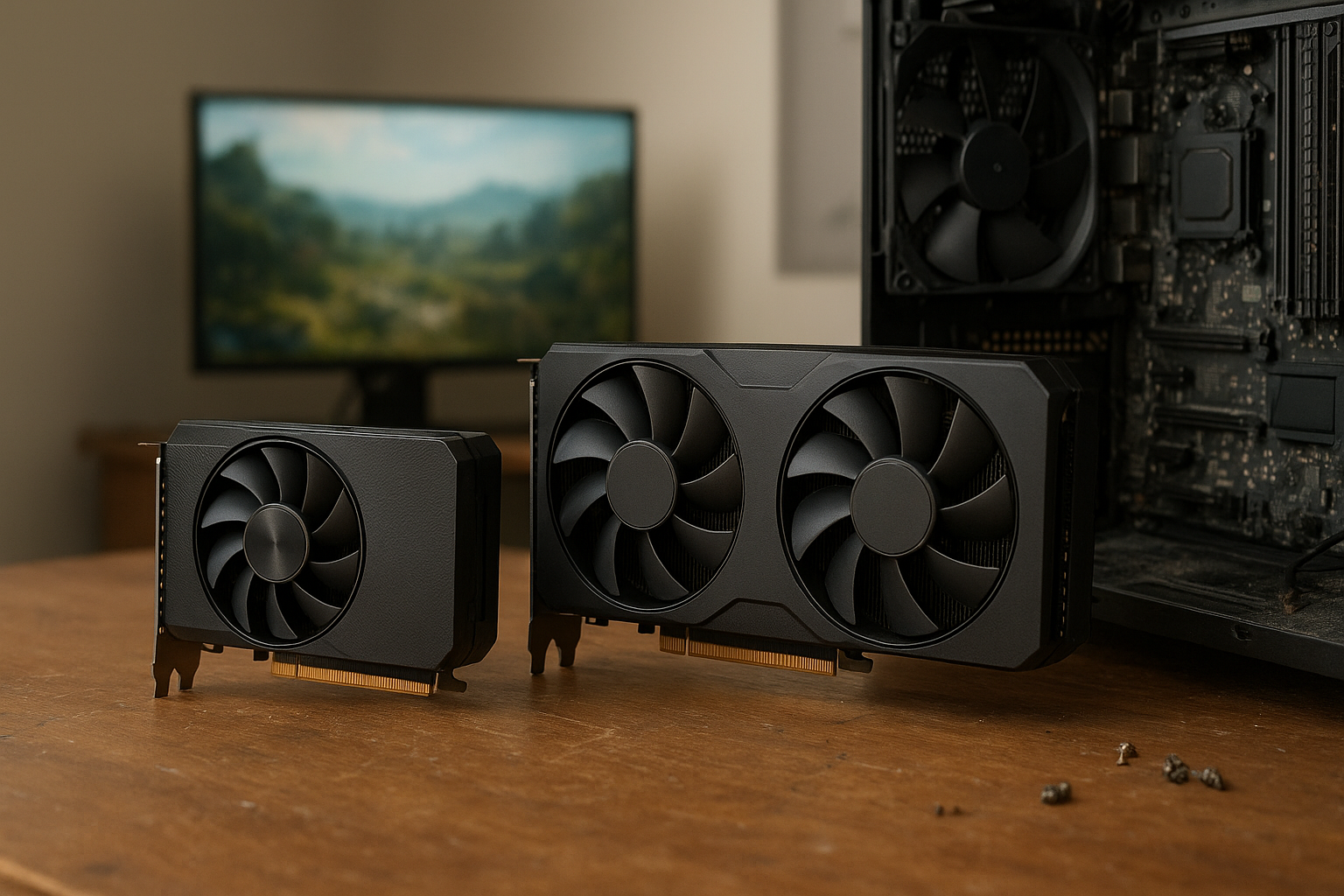
An 8GB VRAM GPU can still be a smart purchase, but it is no longer an automatic recommendation for every gaming PC. The right choice depends on your resolution, texture quality, ray tracing settings, use of mods, and how long you plan to keep the card.
This guide explains what graphics memory does, when 8GB is enough, why some modern games expose VRAM limits, and how to compare an 8GB VRAM GPU with a 12GB alternative—without relying on a single benchmark or a warning icon in a game menu.
Table of Contents
What VRAM Does in a Gaming PC
VRAM, or video memory, is the fast memory attached to a graphics card. The GPU uses it to store textures, frame buffers, depth data, shaders, geometry, lighting information, and other assets required to render a scene.
Graphics memory is different from your system RAM. A game may use both, but moving frequently accessed data from system memory across the PCIe bus can introduce delays. When a game cannot keep enough data in local VRAM, you may encounter stuttering, texture pop-in, delayed asset loading, or sudden frame-rate drops.
VRAM capacity is only one part of GPU performance. Memory bandwidth, the GPU’s processing power, driver support, storage speed, and the game engine also matter. A faster graphics card with 8GB may outperform a slower 12GB card in many situations, while the 12GB card may perform better when a demanding workload exceeds the smaller memory pool.
Microsoft’s Direct3D 12 memory management documentation explains why modern applications must manage different types of GPU memory carefully. In practical terms, a VRAM reading is not a simple measure of how much memory a game will permanently require.
Allocated VRAM is not the same as required VRAM
Games often reserve or allocate memory in advance. As a result, a monitoring tool may show high VRAM usage even when the game could run acceptably on a card with less memory. Some engines use available memory for caching, which can improve asset streaming without making every allocated megabyte essential.
That does not make VRAM warnings meaningless. If a game repeatedly exceeds the card’s usable memory, performance problems can appear. The useful question is whether the game maintains stable frame times and correct texture quality—not whether the usage meter reaches a particular percentage.
Is an 8GB VRAM GPU Enough?
For many 1080p gaming systems, an 8GB VRAM GPU remains adequate at sensible settings. It is especially reasonable for competitive games, older releases, independent games, and modern titles played with high rather than ultra textures and limited ray tracing.
An 8GB VRAM GPU is a less comfortable choice for universal 1440p gaming or long-term ownership. The card may still deliver good average frame rates, but it offers less headroom for high-resolution textures, ray-traced effects, large game worlds, and future releases.
Use this practical guide rather than treating it as a strict rule:
| Gaming situation | How 8GB typically fits | What to watch for |
|---|---|---|
| 1080p competitive gaming | Usually a comfortable capacity | GPU performance and CPU limits often matter more than VRAM |
| 1080p single-player gaming | Generally suitable with high settings | Ultra textures, ray tracing, and large mods can increase demand |
| 1440p gaming | Usable, but with less overhead | Texture quality, ray tracing, and the game engine can determine whether 8GB is enough |
| 4K gaming | More restrictive | Frame-buffer size and high-resolution assets make larger capacities preferable |
| Heavy modding or texture packs | Often limiting | High-resolution replacement textures can consume substantial VRAM |
| Content creation and GPU compute | Workload-dependent | Project size, model size, effects, and application requirements matter more than gaming resolution |
The phrase 8GB graphics card gaming covers too many different experiences for one universal verdict. A fast-paced esports title at 1080p and a heavily modded open-world game at 1440p may have completely different GPU VRAM requirements.
When an 8GB VRAM GPU makes sense
- You primarily play at 1080p.
- You upgrade more frequently than every five or six years.
- You are comfortable reducing texture quality from ultra to high when necessary.
- You play competitive or well-optimized games.
- The 8GB model has meaningfully better GPU performance, efficiency, or price than the available higher-memory alternatives.
- You do not depend on large texture mods or maximum ray tracing settings.
When to avoid an 8GB VRAM GPU
- You are buying specifically for 1440p ultra settings or 4K gaming.
- You want to keep the card for many years without adjusting settings.
- You use large texture packs, total-conversion mods, or demanding simulation software.
- You want substantial ray tracing headroom without relying heavily on upscaling.
- A similarly fast 12GB or larger card is available at a reasonable additional cost.
The choice becomes harder when two cards offer similar rendering performance. In that situation, the extra memory can provide useful longevity, but it does not automatically make the higher-capacity card faster in every game.
Why the 8GB VRAM GPU Became Controversial
The controversy stems from a mismatch between performance targets and memory capacity. Some 8GB cards have enough shader and raster performance to render demanding games at 1440p, yet their memory capacity may force compromises before the GPU core itself becomes the main bottleneck.
Modern games also feature larger worlds, higher-resolution assets, more sophisticated lighting, and streaming systems designed for current consoles and PCs. Developers may target a range of hardware, but the highest texture presets can still require more memory than an 8GB VRAM GPU can comfortably provide.
There is another source of confusion: a game may run at a playable average frame rate while still suffering from poor frame-time consistency. A benchmark that reports only average frames per second can miss short stutters caused by asset streaming or memory pressure.
The warning meter can be misleading
Many games show a VRAM budget bar based on detected settings, display resolution, and available memory. Exceeding the recommended range may produce a warning, but the result varies by engine. Some games reduce texture streaming quality gracefully; others exhibit obvious stutter or blurry assets.
Similarly, staying under the displayed budget does not guarantee smooth performance. CPU limitations, shader compilation, storage speed, driver issues, and inefficient game code can all create stutter unrelated to VRAM capacity.
Why the same card behaves differently across games
Texture compression, asset streaming, level design, anti-aliasing, shadow buffers, and ray-tracing structures differ from one engine to another. Two games at the same resolution can therefore have very different memory footprints.
Modded games add another variable. A replacement texture pack can increase memory demand without changing the game’s core rendering workload. That is why a card that performs well with the original version may struggle after you install high-resolution environmental and character textures.
Resolution, Textures, and Ray Tracing
Resolution affects VRAM in more than one way. Higher resolutions require larger color and depth buffers, and they often encourage higher texture settings. The exact increase depends on the rendering pipeline, anti-aliasing method, number of buffers, and whether the game uses technologies such as variable-rate shading.
Texture settings and VRAM
Texture settings and VRAM are closely connected, but texture quality is not the only control that matters. Texture resolution determines how much image data must be stored, while texture filtering affects how the GPU samples that data and usually has a smaller effect on capacity.
Dropping textures from ultra to high can make a substantial difference in some games with little visual impact during normal play. Lowering every graphics option is not always the best response to a memory limit; you can often preserve lighting, geometry, and effects while reducing only the settings that consume the most memory.
When troubleshooting an 8GB VRAM GPU, try these changes in order:
- Lower texture quality by one preset.
- Reduce ray-tracing quality or disable ray-traced reflections.
- Reduce output resolution or use a quality-focused upscaler.
- Reduce texture-pack resolution and disable optional high-resolution assets.
- Restart the game after major changes if its streaming system does not fully release old assets.
Ray tracing and VRAM limits in modern games
Ray tracing can increase memory requirements because the renderer must maintain additional data structures and buffers. The impact varies by implementation and effect: ray-traced shadows, reflections, global illumination, and path tracing do not all have identical costs.
Upscaling can reduce the resolution at which some rendering work occurs, but it does not eliminate the need to store many high-resolution textures. It may improve performance on an 8GB VRAM GPU, yet it should not be treated as a guaranteed solution to a capacity problem.
Frame generation also does not turn 8GB into 12GB. It can change performance characteristics and add memory overhead depending on the implementation. Check actual frame-time behavior rather than assuming a feature will compensate for limited VRAM.
12GB vs 8GB VRAM: What Changes?
The 12GB vs 8GB VRAM decision is mainly about headroom, not a guaranteed frame-rate increase. A 12GB card can hold more assets locally, which may reduce the need for aggressive streaming and make higher texture settings practical. If both cards use similar GPU hardware, the model with more VRAM may deliver similar average performance until the 8GB card reaches a workload where capacity becomes restrictive.
| Factor | 8GB card | 12GB card |
|---|---|---|
| 1080p gaming | Often sufficient for high settings | Provides additional headroom, but may not improve performance on its own |
| 1440p gaming | Can work well with sensible settings | More comfortable for high textures and newer demanding games |
| 4K gaming | More likely to require compromises | Better positioned, although 12GB is not a guarantee of unrestricted 4K performance |
| Ray tracing | Less room for demanding combinations of effects and textures | More capacity for complex scenes, subject to the GPU’s processing power |
| Longevity | Greater chance of future texture compromises | More useful headroom for changing game requirements |
| Value | Can be the better buy when substantially cheaper or faster | Often preferable when the price difference is modest and performance is otherwise similar |
Do not pay for memory alone. A 12GB card with a weak GPU may deliver lower frame rates than a well-designed 8GB card in games that fit within 8GB. Compare the complete product: GPU performance, memory bandwidth, power limits, cooling, upscaling support, driver features, warranty, and price.
Is more VRAM always better?
No. More VRAM is valuable only when the workload can use it. It cannot compensate for insufficient shader performance, a narrow memory subsystem, poor CPU performance, or a game that is limited by its engine.
Extra capacity is best understood as insurance. It gives the game more room for assets and reduces the chance that a future title will force an abrupt texture-quality reduction, but it does not change the card’s fundamental rendering capability.
How to Choose the Right VRAM Capacity
Start with your monitor and games rather than the GPU model name. The best VRAM for 1440p gaming depends on whether you prioritize competitive frame rates, cinematic single-player visuals, ray tracing, mods, or a long ownership period.
Match VRAM to your actual use case
- 1080p esports: 8GB is usually a reasonable target, provided the GPU has enough processing power for your desired frame rate.
- 1080p mixed gaming: 8GB can be suitable, but look for independent tests in demanding games rather than relying on esports benchmarks.
- 1440p high settings: 12GB is a more comfortable target for a new purchase when the card’s performance and price are otherwise competitive.
- 1440p ray tracing or heavy modding: Prefer more than 8GB where possible, while remembering that ray tracing also demands substantial GPU compute performance.
- 4K gaming: Consider 12GB or more, but evaluate the full GPU because memory capacity alone will not make every game run well at 4K.
- Creative applications: Check the software vendor’s requirements for your exact projects. Video timelines, 3D scenes, machine-learning models, and effects can have very different memory needs.
Check reviews for failure modes, not just averages
When comparing an 8GB VRAM GPU, look for reviews that report frame-time graphs, 1% low performance, texture behavior, and settings used. A card may post a strong average but show visible stutter when moving quickly through an open world.
Also check whether the test uses a high-quality texture preset, ray tracing, a current game patch, and the resolution you intend to use. A review that tests only 1080p medium settings cannot answer whether the same card is suitable for 1440p ultra gaming.
Consider your upgrade cycle
If you replace your graphics card regularly, buying an 8GB VRAM GPU can be rational when it offers better performance per dollar today. If you keep a card for many years, spending more for additional memory may reduce the number of settings compromises later.
Look at the cost of the entire upgrade, including a suitable power supply and monitor. A higher-memory card is not good value if it requires sacrificing a large amount of GPU performance or pushes the system beyond your budget.
A simple buying checklist
- Choose your target resolution and refresh rate.
- List the most demanding games, applications, and mods you actually use.
- Check reviews at those settings, including frame-time behavior.
- Compare 8GB and higher-memory cards with similar GPU performance.
- Decide whether you prefer lower upfront cost or more long-term headroom.
- Leave room in your budget for adequate cooling, power delivery, and a balanced CPU.
For developers and technical users, graphics memory behavior can be even more application-specific. Unreal Engine’s texture streaming configuration documentation illustrates how engines manage texture resources rather than simply loading every asset at full resolution at once.
Key Takeaways
- An 8GB VRAM GPU is still suitable for many 1080p gaming systems.
- VRAM capacity does not determine performance by itself; GPU architecture, bandwidth, compute power, and software also matter.
- 1440p, ray tracing, high-resolution textures, and mods make 8GB limitations more likely.
- A game’s VRAM meter shows allocation or a budget estimate, not always the exact amount it must use.
- Lowering texture quality is often the most targeted way to reduce memory pressure.
- In a close comparison, 12GB offers useful headroom, but it is not automatically better than a faster 8GB card.
- Reviews using your intended resolution and settings are more valuable than generic capacity rules.
Frequently Asked Questions
Is 8GB VRAM enough for 1080p gaming?
Usually, yes. An 8GB graphics card can handle many 1080p games at high settings, especially competitive titles and well-optimized releases. The main exceptions are games with unusually demanding ultra textures, ray tracing, large texture mods, or poor streaming behavior. If you experience stutter, reduce texture quality first and then test again. Also remember that the GPU’s processing speed, not just its memory capacity, determines whether it can reach your target frame rate.
Is 8GB VRAM enough for 1440p gaming?
It can be, but the answer depends more heavily on the game and settings. An 8GB VRAM GPU may run 1440p well with high textures and limited ray tracing, while ultra presets and demanding newer games can expose its limits. For a new card intended specifically for long-term 1440p gaming, 12GB provides more comfortable headroom when the price and GPU performance are comparable.
Does more VRAM increase FPS?
Not automatically. More VRAM increases the amount of data the card can keep locally, but it does not inherently make the GPU’s cores faster. If a game fits comfortably within 8GB, a 12GB version with otherwise similar hardware may deliver little or no extra frame rate. Performance can improve when the smaller card is stuttering or forced to stream assets because it has run out of usable memory.
What are the clearest signs of a VRAM limit?
Common signs include texture pop-in, unusually blurry textures, inconsistent frame times, stutter when entering new areas, and performance that improves sharply after lowering texture quality. These symptoms are not exclusive to VRAM limits; slow storage, shader compilation, CPU bottlenecks, and driver problems can look similar. Test one setting at a time and monitor frame-time behavior rather than relying only on an in-game VRAM bar.
Does lowering resolution fix an 8GB VRAM limit?
It can reduce the size of frame buffers and may lower total memory use, but it is not a complete solution. Textures often remain the same resolution, so lowering from 1440p to 1080p may not remove the main source of memory pressure. Reducing texture quality, disabling high-resolution texture packs, or lowering specific ray-tracing effects is often more effective on an 8GB VRAM GPU.
Is a 12GB graphics card always better than an 8GB model?
No. A 12GB card has more capacity, but the 8GB model may have a faster GPU, better bandwidth, lower power use, or a much lower price. The 12GB card becomes more attractive when both products offer similar rendering performance and the price difference is reasonable. Compare benchmarks at your target resolution, check frame-time consistency, and consider how long you plan to keep the card.
Can system RAM make up for insufficient VRAM?
System RAM can act as a slower fallback in some rendering situations, but it is not an equivalent replacement for local VRAM. Data transferred between system memory and the graphics card can increase latency and cause stutter. Having sufficient system RAM is still important, but adding more of it does not transform an 8GB card into a 12GB or 16GB model.
Conclusion
The 8GB VRAM GPU debate is not a simple question of whether 8GB is “good” or “bad.” It remains a practical choice for many 1080p players and can work at 1440p with carefully selected settings, but it offers less room for ultra textures, ray tracing, mods, and future games than a comparable 12GB card.
Before buying, write down your target resolution, the games you actually play, and how long you expect to keep the card. Then compare independent tests at those settings. If a similarly performing 12GB model costs only modestly more, its extra headroom is worth considering; if it requires a major performance or budget sacrifice, a well-priced 8GB card may still be the better-balanced purchase.