
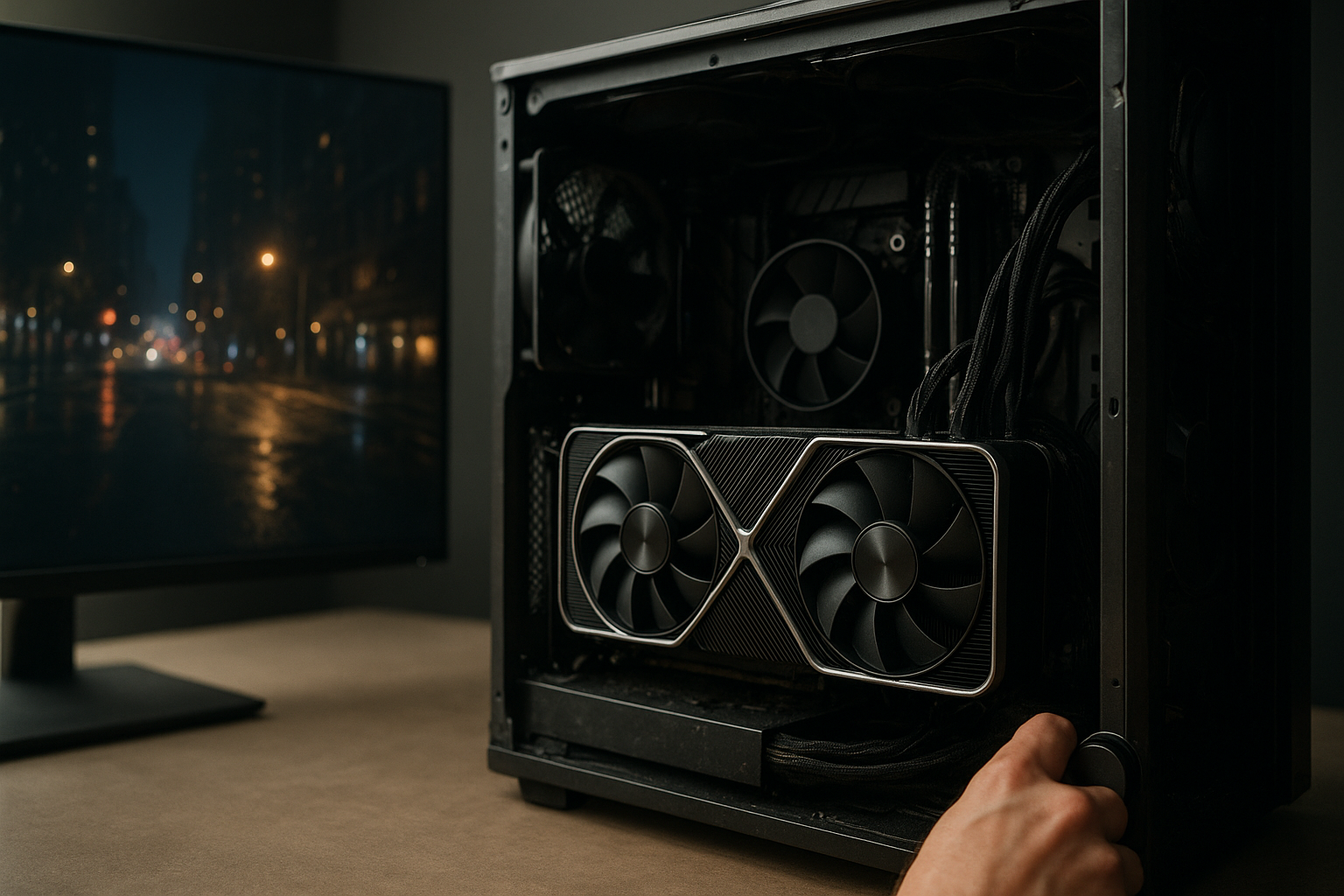
RTX 5080 benchmarks are most useful when you read them as evidence of where the card performs well—not as a single score that predicts every game. The GeForce RTX 5080 combines Nvidia’s Blackwell architecture with 16GB of GDDR7 memory, hardware-accelerated ray tracing, and support for DLSS 4 features, but the practical result depends heavily on resolution, game engine, CPU speed, and whether upscaling or frame generation is enabled.
This guide explains how to interpret published results, what the numbers suggest for 1440p and 4K gaming, how ray tracing and DLSS change the picture, and whether an upgrade from the RTX 4080 Super makes sense. Because benchmark versions, drivers, settings, and test systems differ, the goal is not to invent one universal average but to show you how to make a reliable buying decision from the results available.
Table of Contents
[[IMAGE: A GeForce RTX 5080 graphics card beside a monitor displaying a four-game benchmark chart, with native resolution, DLSS, and ray-tracing settings clearly labeled]]
What RTX 5080 Benchmarks Reveal
The broad conclusion from RTX 5080 benchmarks is that the card is designed primarily as a high-end 4K GPU. It can deliver excellent 1440p performance, but that resolution often shifts the limit away from the graphics card and toward the processor, game engine, or frame-rate cap. At 4K, the heavier workload gives the GPU more room to show its advantage.
That does not mean every title produces the same result. A traditional rasterized game, a demanding ray-traced game, and a title using DLSS 4 are measuring different parts of the hardware. A review that reports only one average frame rate hides those differences.
The most useful benchmark coverage includes:
- Native 4K results without upscaling, which show conventional rendering performance.
- Ray tracing results, preferably with a separate comparison against rasterized rendering.
- DLSS results that identify the preset, render resolution, and frame-generation mode.
- 1% low frame rates or frametime charts, not only average frames per second.
- Power measurements taken at the wall or through a clearly described GPU monitoring method.
- Results from several games using different engines rather than one specially selected title.
Nvidia’s official GeForce RTX 5080 product information describes the card’s hardware and supported features, but product specifications do not predict an exact gaming result. The game, driver, and test settings still determine how much of that hardware a workload can use.
How to Read RTX 5080 Benchmark Results
Before comparing two charts, check whether they are measuring the same thing. “4K performance” may mean native 3840 × 2160 rendering, DLSS Quality at a lower internal resolution, or DLSS Performance with frame generation. Those modes can all be useful, but their frame rates are not directly interchangeable.
Average FPS Versus 1% Lows
Average frames per second show the overall throughput of a test run. They are useful for comparing a GPU’s rendering capacity, but they can hide short pauses and uneven delivery. A title that averages 100 frames per second may feel less consistent than one averaging 90 if its frametimes spike more often.
1% low figures estimate the performance of the slower portion of a run. They are not a perfect measure of stutter, and different review tools calculate them differently, but they provide more context than average FPS alone. Look for both numbers, then consider whether the reported gap is large enough to matter at the monitor’s refresh rate.
Native Rendering and Upscaling
Native rendering gives the clearest view of traditional GPU performance. It also places the greatest workload on the graphics card, particularly at 4K. Upscaling renders the game internally at a lower resolution and reconstructs the output, which can substantially increase performance while changing image quality to some degree.
DLSS Quality is generally a more demanding mode than DLSS Performance because it uses a higher internal resolution. However, the exact internal resolution can vary by output resolution and game integration. A benchmark should therefore identify the DLSS mode rather than simply label the result “DLSS enabled.”
Frame Generation and Latency
Frame generation creates additional displayed frames between conventionally rendered frames. This can make motion appear smoother, but the generated frames do not replace the need for a responsive base frame rate. If the game is producing a low number of rendered frames, the displayed FPS may look impressive while input response remains limited by the underlying game-rendered frames.
For that reason, RTX 5080 DLSS performance should be reported in separate categories: native or upscaled rendered FPS, frame-generated output FPS, and latency where the test provides it. Treating the final displayed number as if it were entirely conventional rendering leads to an exaggerated interpretation of the card’s raw performance.
RTX 5080 Performance by Resolution
1440p Performance
At 2560 × 1440, the RTX 5080 has substantial rendering headroom in many games. That makes it a strong choice for high-refresh gaming, but it also makes CPU limitations more likely. If a benchmark shows two powerful GPUs running close together at 1440p and separating at 4K, the result may indicate that the processor or game engine is limiting the lower-resolution test.
Competitive games are especially likely to become CPU-limited at 1440p. A powerful RTX 5080 will not automatically raise frame rates if the processor cannot prepare frames quickly enough, if the game has a built-in limit, or if background software interrupts the test. This is why a 1440p result should be interpreted alongside the test CPU and game settings.
For a 1440p monitor, the card makes the most sense when at least one of the following applies:
- You use a high-refresh display and want consistent performance in demanding games.
- You enable intensive ray-tracing effects and prefer higher image quality.
- You plan to move to a 4K monitor later.
- You use GPU-accelerated creative or compute workloads in addition to gaming.
If you play mostly esports titles at 1440p with modest settings, a less expensive GPU may deliver a similar experience once the game becomes CPU-limited.
RTX 5080 4K Benchmarks
4K is where RTX 5080 4K benchmarks are usually most informative. The higher pixel workload reduces the chance that a fast CPU will dominate the result, so differences between GPUs become easier to observe. Native 4K tests also make memory capacity and bandwidth more relevant, although a 16GB frame buffer can still become a constraint in some future or heavily modified games.
At this resolution, pay attention to the relationship between average FPS and 1% lows. A card may deliver a suitable average while dipping below a comfortable level during dense scenes, shader compilation, or traversal. Reviews that include repeatable built-in runs and several minutes of recorded gameplay are more useful than a single short result.
For a practical 4K decision, sort games into three groups:
- Comfortable at native resolution: titles that maintain your target frame rate without reconstruction.
- Best with DLSS: games where Quality mode preserves the desired image while improving consistency.
- Dependent on ray tracing or frame generation: titles that need advanced rendering features to reach a high displayed frame rate.
This classification tells you more than a synthetic score. It shows whether the card meets your preferred experience without relying on features you may not want to use.
Synthetic Tests and Real Games
Synthetic benchmarks can isolate particular workloads and make repeatable comparisons easier. They are useful for checking whether a system is behaving normally, but they cannot represent every game engine. A graphics test may stress shader throughput, geometry, or ray tracing in a way that differs from the games you actually play.
Real-game testing is more relevant to purchasing decisions, especially when the review includes current patches and publicly documented settings. Even then, results can change after a game update or driver release. Consider a benchmark a snapshot, not a permanent specification.
RTX 5080 Ray Tracing and DLSS Performance
What Ray Tracing Results Mean
Ray tracing performance varies according to which effects a game uses. Reflections, shadows, global illumination, and path tracing place different demands on the GPU. A game with a single ray-traced effect may show a modest performance cost, while a path-traced renderer can reduce frame rates much more sharply.
This is why RTX 5080 ray tracing performance should not be represented by one universal percentage. The useful question is whether the card can maintain your target frame rate at the visual settings you want, with or without upscaling. A review should also explain whether the comparison uses the same ray-tracing preset on every GPU.
When studying a ray-tracing chart, check:
- Whether the test uses hybrid ray tracing or full path tracing.
- Whether the ray-tracing preset changes other image-quality settings.
- Whether DLSS is disabled, enabled, or paired with frame generation.
- Whether the result is a repeatable benchmark or live gameplay.
- Whether the test reports image quality concerns such as ghosting or shimmering.
Nvidia explains the company’s DLSS technologies on its official DLSS overview. The important distinction for readers is simple: DLSS Super Resolution changes how the image is rendered and reconstructed, while Frame Generation changes how many frames are displayed between conventionally rendered frames.
How to Judge DLSS Quality
Higher FPS is not the only measure of a successful DLSS result. Inspect thin geometry, foliage, wires, distant text, reflections, and moving objects. These areas can reveal reconstruction artifacts that an average frame-rate chart cannot show.
Comparisons are most useful when screenshots come from the same camera position and use the same sharpening settings. Video is even better for evaluating motion, although compression can disguise or create artifacts. If a review provides only a static image, treat it as supporting evidence rather than a complete image-quality verdict.
Understanding DLSS 4 Features
RTX 5080 DLSS performance may include newer Blackwell-specific features as well as established Super Resolution and ray reconstruction technologies. These features can improve the displayed frame rate or image reconstruction in supported games, but support is not universal and results vary by implementation.
A useful review separates three questions:
- How fast is the card when it renders frames conventionally?
- How much performance does Super Resolution add at the selected output resolution?
- How does frame generation affect smoothness, latency, and perceived image quality?
Do not use a DLSS-enabled chart to make a claim about raw rasterization unless the chart clearly identifies the rendering mode. Likewise, do not dismiss DLSS results simply because they are not native; many RTX 5080 owners will use upscaling in demanding 4K games, making it a legitimate part of the real-world experience.
[[IMAGE: A split-screen comparison of a ray-traced game at native 4K and DLSS Quality, with zoomed detail showing foliage, reflections, and fine wires]]
RTX 5080 vs RTX 4080 Super
The RTX 5080 vs RTX 4080 Super comparison is less straightforward than a generational label suggests. The RTX 5080 introduces a newer architecture and faster GDDR7 memory, while both cards have 16GB of memory. The size of the upgrade depends on the game, resolution, driver, and whether the workload uses new features.
| Category | GeForce RTX 5080 | GeForce RTX 4080 Super | Why it matters |
|---|---|---|---|
| Architecture | Blackwell | Ada Lovelace | Newer hardware can improve supported rendering and AI workloads, but game performance still varies. |
| Video memory | 16GB GDDR7 | 16GB GDDR6X | Capacity is the same; memory technology and bandwidth differ. |
| Memory bus | 256-bit | 256-bit | Bus width alone does not determine performance. |
| Board power rating | 360W | 320W | The newer card has a higher rated power target, so cooling and PSU planning matter. |
| Launch MSRP in the United States | $999 | $999 | Current retail pricing can differ substantially from launch pricing. |
The table compares published product specifications and launch positioning, not a guaranteed FPS difference. A real upgrade decision should compare the games you play at the resolution you use, with identical settings. If you already own an RTX 4080 Super and play rasterized titles at 1440p, the benefit may be difficult to justify. If you want better 4K ray tracing, newer DLSS capabilities, or a higher minimum frame rate, the case becomes stronger—but only if the measured improvement and local price difference are meaningful.
When an Upgrade Makes Sense
An upgrade from the RTX 4080 Super is easier to defend when your existing card cannot meet a clear target. Examples include maintaining a preferred frame rate at 4K, using more demanding ray-tracing modes, or driving a high-refresh 4K display. A specific limitation is a better reason to upgrade than the expectation of a generational improvement in every benchmark.
Also consider resale value, warranty coverage, and the cost of replacing your power supply or case. A faster GPU is not a bargain if the complete upgrade requires expensive supporting hardware.
When to Keep the RTX 4080 Super
Keep the RTX 4080 Super if it already handles your games at your chosen settings and refresh rate. Its 16GB memory capacity remains relevant, and moving to another 16GB card does not solve a capacity problem by itself. You may gain features or performance with the RTX 5080, but that does not automatically make the older card unsuitable.
Owners should be particularly cautious if the upgrade is funded by selling a working card at a weak resale price. Compare the net cost with the actual benchmark improvement in your most demanding games, not with the RTX 5080’s launch specifications alone.
Power, Memory, and System Requirements
RTX 5080 Power Consumption
RTX 5080 power consumption deserves attention because the card’s rated board power is higher than the RTX 4080 Super’s. Board power is not the same as the exact electricity used in every game, and brief transients, factory overclocks, CPU load, and the rest of the system can affect measurements.
A suitable power supply should meet Nvidia’s stated recommendation and use the correct cable arrangement for the specific card. Use the adapter supplied with the GPU, or a compatible native connection from a reputable power supply manufacturer. Avoid sharply bending high-power GPU cables close to the connector, and make sure the plug is fully seated.
Power efficiency is best judged as performance per watt, not by consumption alone. A card that uses more power but finishes a workload substantially faster may have a reasonable efficiency result, while a small FPS gain accompanied by a large power increase is less attractive for a quiet or energy-conscious system.
Is 16GB of VRAM Enough?
The RTX 5080 has 16GB of VRAM, matching the RTX 4080 Super’s capacity. That is generally suitable for current high-end gaming, but the required amount depends on texture settings, resolution, ray-tracing features, mods, and the game’s memory management.
VRAM usage is not the same as VRAM requirement. A game may allocate available memory without needing all of it, so a monitoring overlay should not be interpreted as proof that a card is already inadequate. Watch for texture pop-in, sudden stutter, severe frame-time spikes, or a clear improvement after lowering texture quality.
If you intend to keep the card for many years, remember that a newer architecture does not remove the fixed capacity limit. Choose settings sensibly rather than assuming every future ultra texture pack will run comfortably.
CPU and Platform Bottlenecks
A high-end GPU requires a balanced system. At 1440p and below, a fast processor can be more important for high minimum frame rates, while at 4K the GPU usually carries more of the workload. Slow system memory, background tasks, outdated chipset drivers, or a game installed on a struggling storage device can also complicate results.
Resizable BAR or the platform’s equivalent should be enabled when supported, and the test system should use consistent drivers and power settings. These details rarely transform a poor result into a great one, but they can make small comparisons unreliable.
Who Should Buy the RTX 5080?
Best Use Cases
The RTX 5080 is a strong fit for buyers who want high-end 4K gaming and are comfortable using DLSS in the most demanding titles. It is also appealing for players who value ray tracing and want access to newer Nvidia rendering features rather than focusing exclusively on traditional rasterized FPS.
Consider it when you:
- Are building a new high-end gaming PC rather than replacing a recent flagship GPU.
- Use a 4K monitor and want more headroom for demanding games.
- Play titles with substantial ray-tracing support.
- Want a powerful GPU for video work, 3D applications, or other CUDA-accelerated software.
- Have adequate case airflow, power delivery, and CPU performance.
Who Should Avoid It
The RTX 5080 is harder to justify for a 1080p gaming system, a locked 60Hz 1440p display, or a PC with an older processor that already limits frame rates. In those situations, the card may spend much of its time waiting for the rest of the system.
It is also a poor fit if you require more than 16GB of VRAM for a professional workload. Newer memory technology does not increase the card’s capacity, so users with large datasets, complex scenes, or unusually demanding texture workloads should verify application requirements before buying.
How to Compare the Purchase Price
Use the card’s current street price, not its launch MSRP, when making a decision. Compare the RTX 5080 with discounted previous-generation cards, competing GPUs, and the cost of any required power-supply or cooling changes.
A useful calculation is the cost per expected frame in the games you actually play. It is not a scientific universal metric, but it prevents a common mistake: paying a large premium for a small improvement in a workload where both cards already meet your target.
Key Takeaways
- RTX 5080 benchmarks are most meaningful when resolution, rendering mode, drivers, and test hardware match.
- The card is primarily a high-end 4K GPU, while 1440p results are more likely to encounter CPU limits.
- Native rendering, DLSS Super Resolution, and frame generation measure different aspects of performance.
- Ray tracing results vary widely by game and effect, so one ray-tracing score cannot represent every title.
- The RTX 5080 and RTX 4080 Super both have 16GB of VRAM, making capacity a poor reason alone to upgrade.
- RTX 5080 power consumption is higher on its rated board-power specification than the RTX 4080 Super’s, so power and cable planning matter.
- Look at 1% lows, frametimes, image quality, and latency—not only average FPS.
- An RTX 4080 Super owner should upgrade only when a specific 4K, ray-tracing, or feature-related limitation justifies the net cost.
Frequently Asked Questions
How fast is the RTX 5080 in gaming?
The RTX 5080 is positioned as a high-end gaming GPU, with its strongest case at 4K and in demanding ray-traced workloads. Exact performance varies by game, CPU, driver, and settings. Native rasterization, DLSS, and frame generation also produce different results, so a single FPS claim is not reliable. For a purchase decision, compare reviews using the same resolution and settings as your system, then check both average FPS and 1% lows.
Is the RTX 5080 good for 4K gaming?
Yes, it is designed for high-end 4K gaming. Whether a particular title runs best at native 4K or with DLSS depends on its engine and visual settings. Less demanding games may run well without upscaling, while path-traced or heavily ray-traced games can still benefit from DLSS. Check the specific games you play instead of assuming that every 4K title will behave the same way.
How does the RTX 5080 compare with the RTX 4080 Super?
The RTX 5080 uses a newer architecture and GDDR7 memory, while the RTX 4080 Super uses Ada Lovelace and GDDR6X memory. Both cards have 16GB of VRAM, and the RTX 5080 has a higher rated board power. The practical performance difference depends on the game and feature set. For existing RTX 4080 Super owners, compare the net upgrade cost with measured gains in your most demanding 4K or ray-traced games.
Does DLSS make the RTX 5080 faster than its native benchmark suggests?
DLSS Super Resolution can increase displayed performance by rendering internally at a lower resolution and reconstructing the image. Frame generation can add further displayed frames, but those generated frames should not be treated as equivalent to conventionally rendered frames for latency or raw GPU throughput. A fair review reports native or upscaled rendered FPS separately from frame-generated output and explains the image-quality trade-offs.
Is 16GB of VRAM enough on the RTX 5080?
For current high-end gaming, 16GB is generally a substantial capacity, but the answer depends on resolution, texture settings, ray tracing, mods, and future game requirements. A memory-use overlay alone does not prove that the GPU needs more VRAM because games may allocate available memory opportunistically. Look for symptoms such as stutter, texture problems, or a clear improvement after lowering texture quality.
How much power does the RTX 5080 use?
Nvidia lists a 360W total graphics power rating for the RTX 5080. Actual consumption changes with the game, frame rate, power limit, model design, and the rest of the system. The rating is useful for planning the power supply and cooling system, but it is not a promise that every game will draw 360W continuously. Follow the card manufacturer’s power-supply guidance and install the power connector securely.
Should you buy the RTX 5080 for 1440p gaming?
It can be a good choice for high-refresh 1440p gaming, especially with demanding ray tracing or a plan to upgrade to 4K. However, many games at 1440p become CPU-limited before a GPU this powerful reaches its full potential. If you play less demanding titles on a 60Hz or moderate-refresh display, a cheaper card may provide the same practical experience. Check CPU-limited benchmark results before paying for unused GPU headroom.
[[IMAGE: A desktop PC interior showing an RTX 5080 connected to a modern power supply, with a quiet airflow path and a monitor displaying a 4K frametime graph]]
Conclusion
The clearest reading of RTX 5080 benchmarks is that this is a high-end 4K card whose value depends on workload and feature preference. Native results reveal its conventional rendering ability, while ray-tracing and DLSS tests show how it handles the more advanced modes that many modern games now offer.
Before buying, write down your monitor resolution, target refresh rate, three most demanding games, and current GPU. Then compare like-for-like RTX 5080 benchmark results, including 1% lows and power measurements. That process will tell you more than a headline score—and will show whether the RTX 5080 is a meaningful upgrade or simply a faster card your current system does not need.