
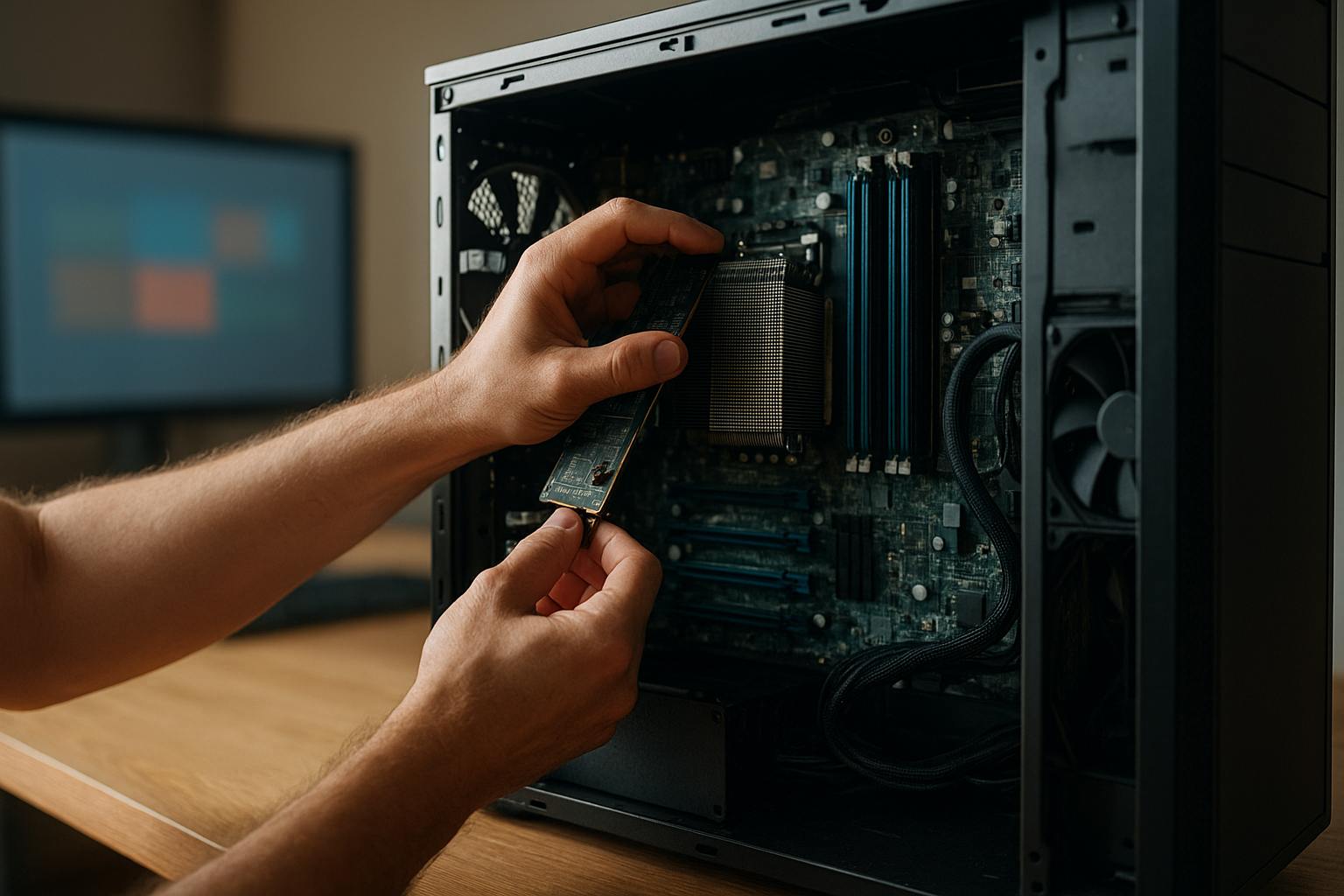
The AMD Threadripper 96-Core platform is designed for workloads that can keep dozens of CPU threads busy for hours, including simulation, CPU rendering, scientific computing, software compilation, and virtualized development environments. The flagship example is the AMD Ryzen Threadripper PRO 7995WX, a Zen 4 workstation processor with 96 cores and 192 threads.
This 96-core Threadripper hands-on examination focuses on what the processor changes in a professional workstation: sustained throughput, memory capacity, expansion, software scaling, power, cooling, and total platform cost. It also explains who needs a 96-core CPU—and who would be better served by a faster, lower-core-count desktop chip.
Table of Contents
- What the AMD Threadripper 96-Core Is
- Platform and Hardware Requirements
- AMD Threadripper 96-Core Performance Considerations
- Workloads That Benefit Most
- Where 96 Cores Do Not Help
- Workstation Build Recommendations
- Advantages and Limitations
- Who Needs a 96-Core CPU?
- Key Takeaways
- Frequently Asked Questions
- Conclusion
[[IMAGE: AMD Ryzen Threadripper PRO 7995WX installed in an sTR5 workstation motherboard beside eight populated DDR5 RDIMM memory slots and multiple PCIe 5.0 expansion slots]]
What the AMD Threadripper 96-Core Is
The AMD Ryzen Threadripper PRO 7995WX is the clearest reference point for the AMD Threadripper 96-Core class. It uses AMD’s Zen 4 architecture and provides 96 physical CPU cores, 192 simultaneous threads, eight-channel DDR5 RDIMM memory support, and 128 lanes of PCIe 5.0 connectivity. Those features place it firmly in the professional workstation category rather than the mainstream desktop market.
The important distinction is that this is not simply a consumer desktop processor with extra cores. The AMD Threadripper workstation CPU is part of a broader platform that includes a workstation socket, registered memory, enterprise-oriented motherboard features, substantial power delivery, and far more expansion bandwidth than a typical desktop system.
AMD lists the Ryzen Threadripper PRO 7995WX alongside other professional workstation processors on its official Threadripper PRO 7995WX product page. That documentation should be the starting point for checking supported memory, firmware, and platform specifications before buying components.
Core count and thread count
A 96-core processor can expose 192 hardware threads, but thread count alone does not determine application performance. A workload must have enough independent work, and the software must schedule that work efficiently across the available cores.
For a renderer processing one large frame, a high-core-count CPU can deliver impressive throughput. For an application that spends much of its time waiting on a single main thread, the same processor may feel no faster than a much cheaper desktop CPU. The 96-core Threadripper processor is therefore best understood as a throughput tool, not a universal speed upgrade.
Platform and Hardware Requirements
The processor uses AMD’s sTR5 workstation platform, so it cannot be installed in an ordinary AM5 motherboard or an older Threadripper board. A compatible motherboard, current firmware, adequate memory, and a cooler designed for the processor’s thermal demands are essential parts of the system.
The platform’s large number of PCIe lanes is one of its strongest practical advantages. A workstation can accommodate several high-speed graphics cards, high-performance storage devices, network adapters, capture hardware, or specialized accelerators without forcing every device to share a small pool of desktop-class connectivity.
Memory and expansion
Eight-channel DDR5 RDIMM support matters when projects exceed the capacity or bandwidth that ordinary unbuffered desktop memory can provide. Registered memory also makes large-capacity workstation configurations more manageable, although the exact supported capacity and validated module combinations depend on the motherboard and memory vendor.
PCIe 5.0 support provides high-speed connectivity for current and future expansion cards. The benefit is not that every device needs PCIe 5.0 today. It is that a professional workstation can connect several demanding devices while retaining more bandwidth and flexibility than a conventional desktop platform.
| Platform characteristic | Why it matters in a workstation | What to verify before purchase |
|---|---|---|
| 96 cores and 192 threads | High throughput for well-parallelized CPU workloads | Whether the target application scales beyond 32 or 64 cores |
| Eight-channel DDR5 RDIMM memory | More memory bandwidth and support for large-capacity professional configurations | Motherboard-qualified memory, capacity limits, and module population rules |
| 128 lanes of PCIe 5.0 | Flexible support for GPUs, storage, networking, and specialist cards | Physical slot layout, lane allocation, and bifurcation options |
| sTR5 socket | Enables the workstation-class Threadripper PRO platform | Socket compatibility, BIOS support, and cooler mounting hardware |
| High sustained power and heat output | Allows heavy all-core workloads to run at workstation performance levels | VRM quality, cooler capacity, chassis airflow, and power-supply headroom |
AMD Threadripper 96-Core Performance Considerations
Evaluating the AMD Threadripper 96-Core requires more than running a short benchmark and recording a score. Professional workloads often run continuously, use large datasets, and combine CPU, memory, storage, and GPU activity. A useful evaluation should measure both completion time and the conditions required to maintain that result.
Sustained throughput versus short-burst speed
The central advantage of the AMD high-core-count CPU is sustained throughput. If a task can keep most of the 96 cores occupied, the system can complete more work per hour: more frames, more simulation steps, more compiled code, or more processed data.
Short interactive tasks are different. Opening a project, navigating a scene, changing a parameter, or running a lightly threaded plug-in may depend more on single-thread performance, latency, storage, or the responsiveness of the application’s user interface. A 96-core workstation can perform these tasks well, but its core count does not automatically make them dramatically faster.
Software scaling and thread scheduling
Scaling is rarely perfectly linear. As more cores become active, synchronization overhead, memory traffic, cache behavior, thread imbalance, and serial sections of code limit the gains. The last group of cores may contribute less than the first group, especially in applications that divide work unevenly.
Operating-system scheduling also matters. Windows and Linux can manage a processor of this size, but workstation users should keep firmware, chipset drivers, application versions, and power settings current. In virtualized environments, the hypervisor’s CPU topology and allocation policy can have as much impact as the processor itself.
A sensible test plan compares the 96-core Threadripper processor with a lower-core-count alternative using the actual workload. Useful measurements include:
- Total time to complete a representative render, simulation, build, or export.
- Performance at different thread limits, such as 16, 32, 64, and all available threads.
- Memory use, storage activity, and GPU utilization during the task.
- Noise, power consumption, and clock stability during a long run.
- Interactive responsiveness while a background job is active.
For standardized context, users can consult established benchmark projects such as the Blender Open Data benchmark database. Public benchmark results are useful for comparison, but they should not replace testing the exact scenes, plug-ins, compilers, or datasets used in a real studio or laboratory.
[[IMAGE: Monitoring screen showing a long-running CPU render on a 96-core Threadripper workstation, with all-core utilization, package temperature, memory bandwidth, and power telemetry visibl
Workloads That Benefit Most
The strongest case for this processor comes from repeatable, parallel workloads where faster completion has a direct financial or operational value. If a workstation spends much of the day processing jobs rather than waiting for user input, the additional cores can significantly improve productivity.
CPU rendering and content creation
CPU-based rendering is a natural fit. Many production renderers divide an image or frame into tiles, buckets, or other independent regions that can run simultaneously. Animators and visualization teams may benefit when scenes are too complex for a GPU-only workflow, when CPU rendering is required for compatibility, or when multiple jobs must run at once.
However, a GPU may be the better investment for software that has a mature GPU renderer and scenes that fit comfortably within available graphics memory. A Threadripper workstation can also serve as a powerful host for one or more GPUs, but the processor does not eliminate the need to choose the right rendering engine.
Simulation and scientific computing
Finite-element analysis, computational fluid dynamics, molecular modeling, and other scientific workloads can benefit from many CPU cores. The result depends heavily on the solver, problem size, memory-access pattern, and whether the software is licensed per core or per machine.
Licensing deserves particular attention. If a commercial application charges by active core, a 96-core system may increase software costs faster than it reduces runtime. In that situation, a measured comparison of performance per licensed core can produce a better purchasing decision than an all-core benchmark.
Compilation, containers, and virtual machines
Large software projects can compile quickly when the build system schedules many independent jobs. The same is true for workloads involving container images, test suites, code analysis, and multiple development environments.
Virtualization is another strong use case. A 96-core Threadripper processor can host several virtual machines while leaving resources available for the primary desktop, provided the system has enough memory and fast storage. The CPU is not the only limit: RAM capacity, I/O throughput, network performance, and the hypervisor’s licensing model all affect the result.
- Excellent fit: batch rendering, parallel compilation, CPU simulation, data processing, and multi-VM development servers.
- Conditional fit: video production, 3D design, engineering applications, and mixed CPU/GPU workloads.
- Weak fit: office work, lightly threaded applications, most games, and workloads dominated by a single latency-sensitive task.
Where 96 Cores Do Not Help
More cores cannot compensate for poor parallelism. If an application uses only a few threads, much of the processor remains idle while the user pays for the larger platform, more capable cooling, and workstation motherboard.
Games are a common example. Some modern games use many threads, but frame rates generally depend on a combination of single-thread performance, graphics hardware, game-engine scheduling, memory latency, and the chosen resolution. A 96-core processor is usually an extravagant gaming purchase unless gaming is secondary to a professional workload.
Large core counts can also expose software bottlenecks. A poorly configured storage system may leave the CPU waiting for data. A simulation may be limited by memory bandwidth or communication between processes. A video workflow may spend more time decoding, encoding, or moving media between devices than calculating on the CPU.
Power and acoustics are practical limitations as well. A workstation built around a high-core-count processor needs a robust power supply, a capable cooler, sensible airflow, and a chassis with room for the motherboard and expansion cards. A compact or quiet office system may be a poor environment for this class of hardware.
Workstation Build Recommendations
Building around the AMD Threadripper 96-Core means treating the entire computer as a professional tool. The motherboard should provide the required expansion layout and firmware support, while the memory configuration should follow the vendor’s population guidance rather than relying on random module combinations.
Cooling, power, and chassis design
Choose a cooler specifically validated for the processor and socket. A cooler that fits physically may still fail to move enough heat during a prolonged all-core workload. Check mounting compatibility, radiator or heatsink clearance, fan replacement options, and the case’s intake and exhaust path.
The power supply should account for the CPU, graphics cards, storage, and transient demand rather than being sized only around the processor’s rated power. Professional systems also benefit from reliable power delivery, surge protection, and a maintenance plan for filters and fans.
Memory and storage planning
Memory capacity should match the largest real project, not just the processor’s core count. A renderer with a very large scene, a simulation with a large mesh, or a workstation hosting multiple virtual machines may need substantially more memory than a typical creative desktop.
Use fast local storage for active projects, scratch data, and cache files, but do not assume that a faster SSD will fix a CPU-bound workload. A well-designed workstation may combine a system drive, a high-endurance project drive, a scratch device, and network or archival storage, depending on the workflow.
Operating system and application validation
Before deployment, confirm that the operating system, application, plug-ins, render engines, virtualization software, and security tools support the workstation configuration. AMD’s official support resources provide firmware and driver information, while the application vendor remains the authority for licensing and CPU-support policies.
Run a pilot project before purchasing multiple systems. Record completion times, memory consumption, temperatures, noise, and failure rates across a representative week. This produces a more useful business case than relying on a single synthetic score.
Advantages and Limitations
Key advantages
- Exceptional parallel throughput: workloads that scale well can process substantially more work concurrently.
- Large expansion budget: extensive PCIe connectivity supports multiple GPUs, storage controllers, networking cards, and specialized devices.
- High memory bandwidth: eight-channel memory is valuable for data-heavy professional workloads.
- Strong consolidation potential: one workstation can handle several CPU-heavy jobs or virtual machines at the same time.
- Professional platform features: workstation motherboards and registered memory are better suited to large, continuously used systems than ordinary desktop components.
Key limitations
- High platform cost: the CPU is only one part of the investment; the motherboard, memory, cooling, case, and power supply also need to be workstation-grade.
- Uneven application gains: lightly threaded software will not use the available resources efficiently.
- Power and heat: sustained workloads demand careful thermal and electrical design.
- Potential licensing penalties: some professional software costs more as core counts rise.
- Limited value for general use: everyday applications rarely justify this level of CPU capacity.
Who Needs a 96-Core CPU?
The best candidates are professionals who can quantify the value of shorter processing times. A studio that runs CPU renders overnight, an engineering team that repeats simulations throughout the day, or a development group that compiles and tests large projects continuously may recover the investment through higher throughput.
It can also make sense for a workstation that replaces several smaller systems. Consolidating workloads may simplify maintenance and reduce desk space, but only if memory, storage, software licensing, and backup requirements are included in the calculation.
Most users should avoid a 96-core workstation when their workload is primarily gaming, web browsing, office productivity, photo organization, lightly threaded design work, or occasional video editing. A lower-core-count processor with strong single-thread performance, a faster GPU, more memory, or better storage may provide a more visible improvement.
Use this decision checklist:
- Measure how much time your real workload spends using more than 16 or 32 CPU threads.
- Check whether the application scales efficiently to 64 or more cores.
- Calculate software licensing costs at the planned core count.
- Price the complete platform, including memory, cooling, motherboard, power, and storage.
- Compare the expected time saved with the cost of the system over its service life.
[[IMAGE: Professional 3D artist and engineer reviewing a workstation comparison chart that contrasts CPU rendering, GPU rendering, simulation, compilation, and gaming workloads]]
Key Takeaways
- The AMD Threadripper 96-Core is a specialist workstation solution built for sustained, highly parallel workloads.
- The Ryzen Threadripper PRO 7995WX combines 96 cores and 192 threads with eight-channel DDR5 RDIMM memory and extensive PCIe 5.0 expansion.
- Application scaling matters more than the headline core count.
- CPU rendering, simulation, compilation, data processing, and virtual machines are among the strongest use cases.
- Gaming and lightly threaded desktop work generally do not justify this platform.
- Cooling, power delivery, memory population, motherboard layout, and software licensing should be evaluated as part of the complete system.
- The most reliable buying test is a representative workload run on the exact software and project files used in production.
Frequently Asked Questions
What is the AMD Threadripper 96-Core processor?
The phrase generally refers to AMD’s professional Threadripper PRO 7995WX, a Zen 4 workstation processor with 96 physical cores and 192 threads. It is built for the sTR5 platform and supports workstation-oriented features such as eight-channel DDR5 RDIMM memory and extensive PCIe 5.0 connectivity. It is not compatible with ordinary AM5 desktop motherboards, so buyers must budget for a complete workstation platform rather than the CPU alone.
Is the 96-core Threadripper good for gaming?
It can run games, but gaming is not its primary strength or its best value. Many games cannot use 96 cores effectively, and frame rates often depend more on the GPU, single-thread performance, game-engine behavior, and memory latency. The processor makes sense when gaming is a secondary activity on a machine that primarily performs rendering, simulation, development, or other heavily parallel professional work.
Who needs a 96-core CPU?
Professionals who run CPU rendering, scientific simulation, large software builds, data processing, or several virtual machines can benefit when those workloads scale across many threads. The purchase is easiest to justify when shorter processing times directly increase billable output or reduce production delays. Users should measure their own applications first, because a high core count delivers little benefit when the software remains mostly single-threaded.
Does every application become faster with 96 cores?
No. Applications contain serial sections, synchronization points, and tasks that cannot be divided indefinitely. Some programs also become limited by memory bandwidth, storage, licensing restrictions, or GPU performance before all CPU cores are busy. A proper evaluation should compare the target application at several thread counts and include a realistic project, not only a benchmark designed to scale across the entire processor.
What motherboard does a Threadripper 96-core processor require?
The Ryzen Threadripper PRO 7995WX requires a compatible sTR5 workstation motherboard. It cannot be installed in AM4, AM5, or older Threadripper platforms. Check the motherboard manufacturer’s CPU support list, BIOS requirements, memory qualification list, PCIe slot layout, and cooler compatibility before buying. These details can affect whether the planned GPUs, storage cards, and memory modules work together as intended.
How much memory should a 96-core Threadripper workstation have?
There is no universal capacity recommendation. A rendering workstation should be sized for the largest scene, a simulation system for the largest model, and a virtualization host for the combined needs of its virtual machines. Start with measured peak memory use and add operational headroom. Because the platform uses eight memory channels, follow the motherboard’s recommended population order and use validated RDIMM configurations rather than mixing arbitrary modules.
Is Threadripper PRO better than a mainstream desktop CPU?
It is better for workloads that need many cores, large memory configurations, and extensive expansion. A mainstream desktop CPU may be preferable for gaming, general productivity, compact systems, lower power consumption, or lightly threaded applications. “Better” depends on the workload and the total system cost. Compare completion time, software licensing, noise, power, and upgrade needs—not just benchmark scores.
Conclusion
The AMD Threadripper 96-Core is best viewed as a production instrument for workloads that can exploit massive parallelism. Its combination of 96 cores, workstation memory support, and abundant expansion makes it unusually capable for CPU rendering, simulation, compilation, data-heavy processing, and multi-VM environments, but it does not make every application faster.
Before buying a Threadripper 96-core processor, run a representative workload, check application licensing, and price the entire AMD Threadripper platform. If the system will spend its days processing parallel jobs, the investment may deliver meaningful throughput. If most work is interactive or lightly threaded, redirect the budget toward single-thread performance, a stronger GPU, additional memory, or faster storage.