

In 2026, effective sales automation strategies do more than send scheduled emails. They connect customer data, qualification rules, follow-ups, and reporting so sales teams can spend more time on meaningful conversations. The best approach combines reliable technology with thoughtful human oversight, creating automated sales processes that are faster without becoming impersonal.
Table of Contents
7 sales automation strategies worth using in 2026
Automation works best when it removes repetitive administration rather than replacing judgement. Before selecting software, map the buyer journey, identify handoff problems, and decide which actions require a salesperson’s approval.
1. Centralise lead capture and qualification
Connect website forms, event registrations, advertising platforms, and chat tools to one CRM. Standardised fields make every new contact easier to evaluate, while scoring rules can prioritise leads based on fit, activity, and stated intent.
Keep scoring transparent. A prospect should not be routed to an aggressive campaign simply because they downloaded one guide. Combining several meaningful signals is safer and creates more useful sales workflow automation.
2. Create behaviour-based nurture journeys
Automated lead nurturing should reflect what a buyer has actually viewed or requested. Someone comparing implementation options may need a case study, while a new subscriber may only need educational material and a clear way to ask questions.
Use short sequences with exit conditions. When a contact replies, books a meeting, unsubscribes, or reaches a sales-ready threshold, the workflow should pause or change direction. HubSpot’s overview of sales automation capabilities provides useful context for planning these handoffs.

3. Add human-supervised prospecting automation
Sales prospecting automation can help research accounts, identify possible contacts, and prepare personalised task lists. It should not encourage indiscriminate outreach or send messages without quality checks.
Give representatives editable templates, relevant account notes, and approval steps. Personalisation should be based on verifiable business context, not invented details. This balance is one of the most important sales automation best practices for protecting trust.
4. Automate CRM administration
CRM automation strategies should address the work sellers often postpone: creating records, assigning owners, updating stages, logging activities, and setting reminders. Integrations with calendars and communication tools can reduce duplicate entry and improve visibility.
Define ownership rules before turning on workflows. Decide what happens when a lead has no assigned representative, a deal remains inactive, or duplicate records appear. A small set of dependable rules is more valuable than a complicated system nobody understands.
5. Design precise sales and service handoffs
Marketing-qualified and sales-qualified labels should have clear definitions. When a contact crosses the agreed threshold, automation can notify the right person, create a task, and provide the history needed for a relevant first conversation.
Also automate the reverse handoff. If a prospect is not ready, return them to an appropriate educational journey instead of leaving the record in an inactive queue. This creates continuity while preserving salesperson capacity.
6. Build useful forecasting and performance views
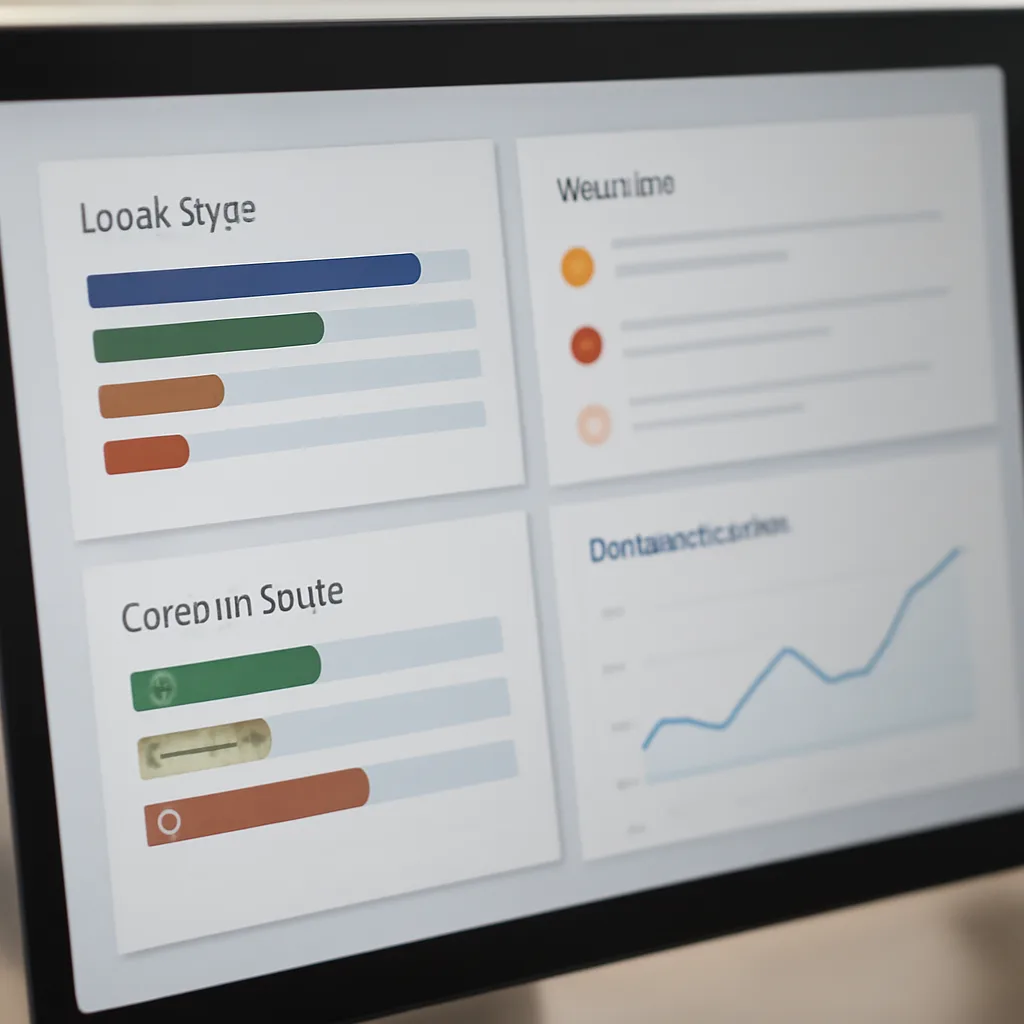
Dashboards should answer practical questions: Which sources produce qualified opportunities? Where do deals stall? How quickly are new enquiries receiving attention? Use consistent stage definitions so reports describe the same process across teams.
Review automated decisions regularly. If a rule sends too many weak leads to sales, adjust the criteria; if strong opportunities are being missed, investigate the data source or scoring model. Salesforce’s guide to automating sales activities is a useful starting point for this evaluation.
7. Add privacy, permission, and failure controls
Responsible automation includes consent management, unsubscribe handling, access permissions, and clear retention policies. Keep an audit trail for important changes, particularly when workflows alter customer records or trigger external communication.
Test every workflow with realistic edge cases before launch. Include stop conditions, fallback owners, and alerts for failed integrations. For email programmes, consult the FTC’s CAN-SPAM compliance guidance and obtain suitable legal advice for your market.
How to prioritise your automation projects
| Priority | Good first use | Primary benefit |
|---|---|---|
| High | Lead routing and task creation | Faster response and clearer ownership |
| High | Duplicate detection and data updates | Cleaner customer records |
| Medium | Behaviour-based nurture | More relevant follow-up |
| Medium | Forecasting dashboards | Better management visibility |
| Later | Complex multi-system orchestration | Broader efficiency after foundations are stable |
Start with one measurable bottleneck instead of automating everything at once. Teams exploring broader operational improvements may also benefit from this guide to no-code automation strategies, while technical teams can compare ideas in developer automation planning.
Document the workflow, owner, data inputs, success measure, and rollback plan. For additional reading, see marketing automation strategies and the practical discussion of marketing automation mistakes to avoid.

Key takeaways
- Use automation to remove repetitive work while keeping important decisions human-led.
- Prioritise clean CRM data, clear ownership, and measurable workflow goals.
- Make automated lead nurturing responsive to behaviour and permission.
- Test exceptions, monitor results, and revise rules as the sales process changes.
Frequently Asked Questions
What is sales automation?
Sales automation uses software to handle repeatable activities such as lead routing, reminders, record updates, and selected communications. It supports representatives rather than eliminating the need for personal conversations.
Which sales automation strategy should a small team try first?
Begin with lead capture, assignment, and follow-up reminders. These processes are usually easy to measure and can reveal data or ownership problems before more advanced workflows are introduced.
Can automation make outreach feel impersonal?
Yes, particularly when every contact receives the same message. Use behavioural signals, editable content, frequency limits, and human review to keep outreach relevant.
How often should automated workflows be reviewed?
Review new workflows after launch and then establish a regular schedule based on their risk and complexity. Check conversion quality, errors, unsubscribes, response times, and user feedback.
What is the difference between CRM automation and sales workflow automation?
CRM automation generally focuses on records, data, assignments, and reporting. Sales workflow automation is broader and can include nurture journeys, prospecting tasks, approvals, alerts, and handoffs across connected systems.
Conclusion
The strongest sales automation strategies in 2026 are focused, measurable, and designed around customer experience. Choose one bottleneck, document the desired process, test it with real-world exceptions, and expand only after the results are clear. To explore more technology coverage, visit Technoopia’s homepage or browse its technology podcasts.
Browse more from Technoopia
Find related technology coverage
Use the site search to discover reporting across automation, artificial intelligence, hardware, and business technology.
When a page cannot be found
If a requested page does not load, return to the homepage or search again rather than relying on an outdated link.
Company
Technoopia publishes independent technology journalism and practical buying and strategy guidance.
Editorial standards
Articles should be clear, useful, and grounded in verifiable information.
Legal information
Readers should review applicable terms, privacy notices, and professional advice where needed.
Transparency
Clear disclosures help readers understand how technology coverage and recommendations are produced.