

Sales automation mistakes can quietly damage revenue, customer trust, and team productivity. A workflow that sends the wrong message, assigns a poor-quality lead, or hides an important follow-up may look efficient while creating expensive problems behind the scenes. In 2026, businesses need sales automation that supports human judgment rather than attempting to replace it.
Table of Contents
9 sales automation mistakes that weaken performance
1. Automating a broken sales process
Software cannot repair unclear stages, duplicate records, or inconsistent qualification rules. Document the current customer journey first, then remove unnecessary steps before converting the improved process into an automated workflow.
2. Treating every lead identically
A newsletter subscriber, product evaluator, and procurement-ready buyer should not receive the same sequence. Use fit, behaviour, consent, and buying stage to create sensible segments. Generic messaging is among the most common sales automation problems because it makes relevant prospects feel ignored.
3. Sending too many messages
Frequent emails, social touches, and reminders can quickly become noise. Set contact limits, coordinate channels, and pause campaigns when a prospect replies, books a meeting, or asks not to be contacted.

4. Ignoring poor-quality data
Outdated job titles, invalid addresses, duplicate accounts, and missing consent can trigger serious sales automation errors. Establish ownership for data cleansing and make validation part of the workflow rather than an occasional rescue project.
5. Removing people from important decisions
Automation can recommend a lead, create a task, or prepare a draft. It should not independently make sensitive decisions about pricing, complaints, vulnerable customers, or unusual accounts. Responsible sales automation keeps human approval where context and empathy matter.
6. Connecting tools without mapping ownership
Integrations often move information between a CRM, marketing platform, calendar, and support system. Without clear field definitions and error alerts, one incorrect update can spread across every connected application. Define which system owns each record before switching on synchronisation.
7. Measuring activity instead of outcomes
Open rates, task counts, and completed sequences can be useful signals, but they are not the final objective. Review qualified opportunities, conversion quality, sales-cycle friction, retention, and customer feedback to determine whether automation is actually helping.
8. Failing to test edge cases
A workflow may work for a standard lead and fail when a contact changes role, replies in another language, unsubscribes, or belongs to an existing account. Test exceptions in a safe environment and include a visible route to a human representative.
9. Launching without ongoing review
Markets, products, regulations, and customer expectations change. A sequence that was appropriate last year may now be inaccurate or intrusive. Assign a review schedule, inspect failed tasks, and retire automations that no longer serve a clear purpose.
How to find and fix sales automation pitfalls
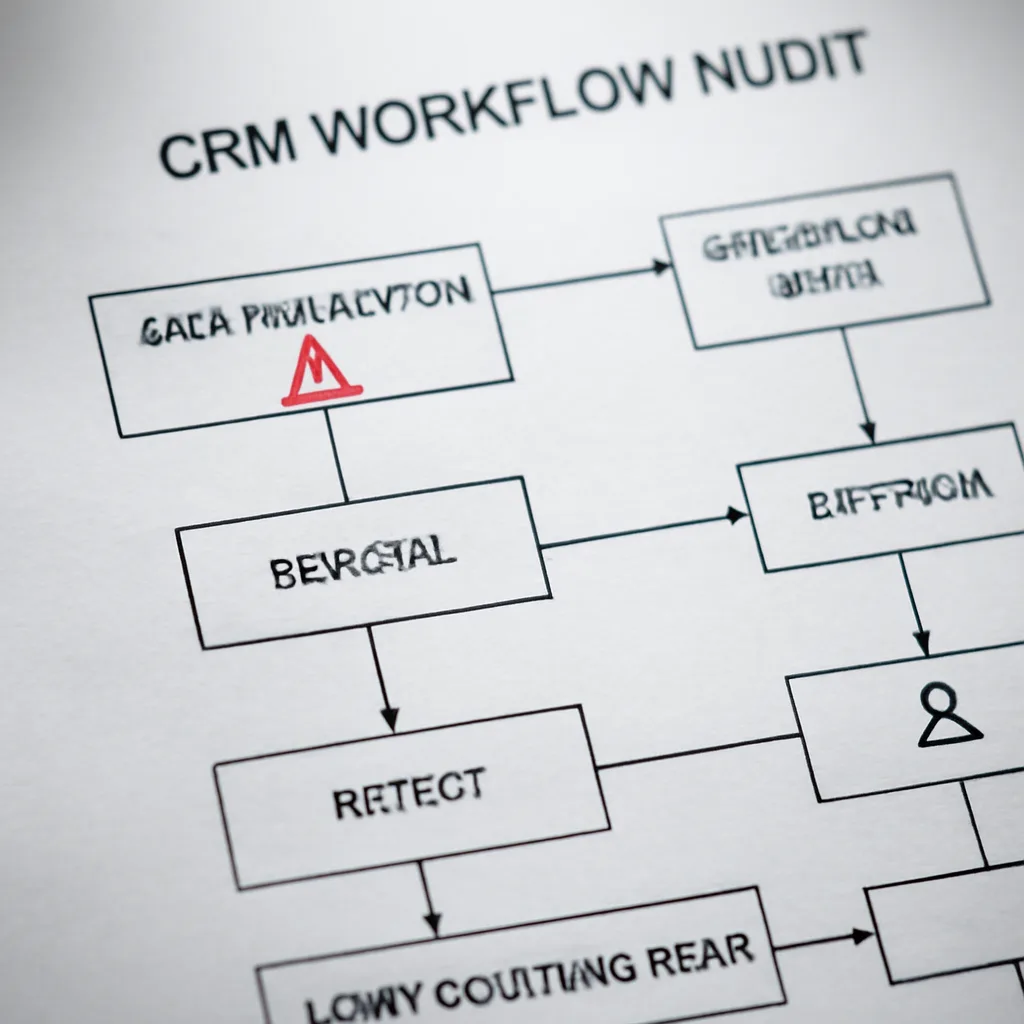
The fastest way to investigate automation mistakes in sales is to follow one customer record from its original source to its final handoff. Check the trigger, data enrichment, segmentation, message, timing, owner, and exit condition. This reveals whether the failure began with bad input or with an incorrect rule.
Use a simple comparison before approving a workflow:
| Area | Risky approach | Stronger approach |
|---|---|---|
| Lead routing | One rule for every enquiry | Assignment based on fit, region, and capacity |
| Personalisation | Merge fields alone | Relevant content supported by verified data |
| Oversight | Fully unattended sequences | Approval points for sensitive actions |
| Measurement | Volume of automated activity | Quality, conversion, and customer experience |
Teams planning broader process improvements can also compare these lessons with practical developer automation strategies and marketing automation planning ideas. The systems differ, but both require clear ownership, reliable inputs, and measurable outcomes.
Sales automation best practices for 2026
Start with one high-value, low-risk use case, such as meeting reminders or duplicate detection. Document the intended result, define failure conditions, and give staff a simple way to override the workflow. After launch, gather feedback from salespeople as well as customers.
Security and privacy should be part of the design. Limit access to customer information, retain only what the process needs, and explain how contact data is used. The Federal Trade Commission’s business guidance is a useful reference for responsible commercial communication, while the NIST AI Risk Management Framework offers broader risk-management principles.
For implementation ideas, review developer automation tools for 2026 and no-code automation options, but select technology only after the process and governance requirements are clear.
Key takeaways
- Fix the sales process before automating it.
- Segment contacts and respect communication preferences.
- Validate data and define ownership across integrations.
- Keep human review for sensitive or unusual decisions.
- Measure customer and revenue outcomes, not just activity.
- Test exceptions and review workflows regularly.

Frequently Asked Questions
What is the most damaging sales automation mistake?
Automating an unclear or broken process is often the most damaging because it repeats inefficiency at scale and makes the underlying problem harder to see.
Can automation replace sales representatives?
It can reduce repetitive administration, but complex conversations, negotiation, empathy, and judgment still require people.
How often should automated sales workflows be reviewed?
Review them after major product, policy, or CRM changes and on a scheduled basis that reflects the risk and volume of each workflow.
How can teams prevent excessive outreach?
Use frequency limits, coordinate channels, honour opt-outs immediately, and stop a sequence when a prospect engages with a representative.
What metrics should sales automation track?
Track qualified opportunities, conversion quality, response patterns, customer experience, errors, and time saved alongside basic activity measures.
Is no-code automation suitable for sales teams?
Yes, when permissions, testing, data quality, monitoring, and human approval are designed before deployment.
Build a safer automated sales operation
The best way to avoid sales automation mistakes is to treat automation as an operating system for repeatable work, not a shortcut around strategy. Audit one workflow, correct its data and decision rules, test unusual scenarios, and measure the result before expanding. That disciplined approach turns automation from a source of risk into a dependable sales advantage.