
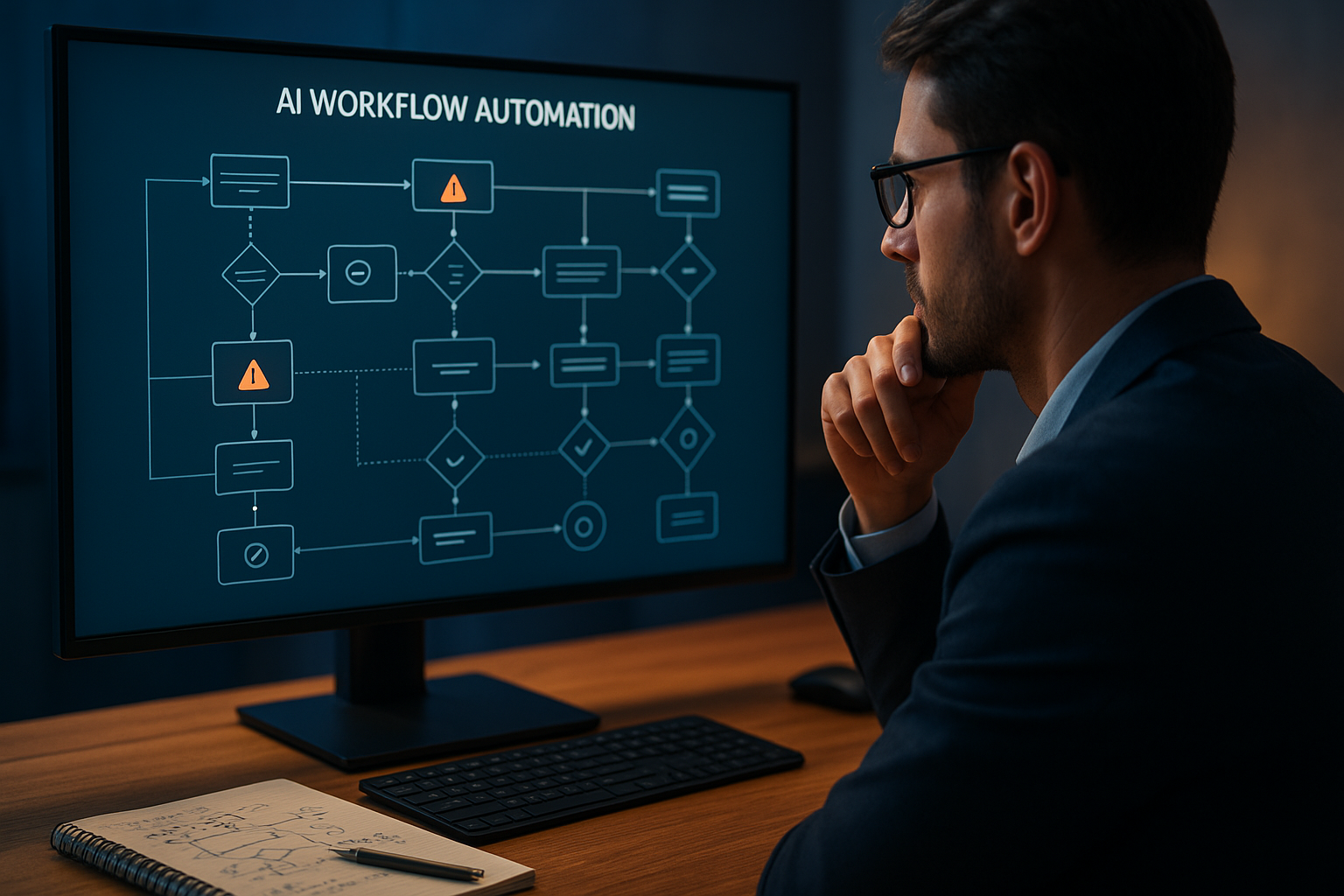
AI workflow automation mistakes can quietly turn a useful productivity system into a source of delays, incorrect decisions, and compliance exposure. In 2026, teams are connecting language models, business applications, databases, and human approvals more closely than ever. That convenience makes careful design essential: an automated process can repeat an error at a speed no employee could match.
Table of Contents
Why automation projects go wrong
Most workflow automation errors do not begin with malicious intent. They usually come from unclear ownership, poor data, excessive confidence in model output, or a process that was automated before it was properly understood.
AI workflow risks increase when a system can send messages, alter records, approve transactions, or make customer-facing decisions without meaningful oversight. A safer approach starts with limited permissions, measurable goals, and a clear route for stopping the workflow when conditions change.
| Risk area | What can happen | Useful safeguard |
|---|---|---|
| Data quality | Incorrect or outdated information enters the process | Validation rules and source checks |
| Model output | A plausible but wrong result drives the next action | Confidence thresholds and human review |
| Access control | The automation reaches more systems than necessary | Least-privilege credentials |
| Operations | A failure repeats unnoticed across many records | Logging, alerts, and rollback procedures |
Nine critical AI workflow automation mistakes
1. Automating a broken process
Adding AI to a confusing approval chain rarely fixes the underlying problem. Map the current process first, remove unnecessary steps, define the desired result, and only then decide which tasks should be delegated.
2. Treating generated output as fact
Models can produce fluent answers that contain omissions or unsupported claims. Require source retrieval, structured fields, validation checks, or human approval whenever an error could affect money, safety, legal obligations, or a customer relationship.
3. Giving the system excessive authority
Broad permissions magnify the impact of a mistake or compromised credential. Use separate service accounts, restrict available actions, and make sensitive operations require explicit confirmation.
4. Ignoring data protection
Sending confidential records to an AI service without understanding retention, access, and processing terms creates avoidable exposure. Classify information, minimise what is shared, redact sensitive fields where possible, and involve privacy specialists before deployment.
5. Skipping realistic testing
A workflow that succeeds with clean sample data may fail when it meets missing fields, unusual requests, duplicate records, or an unavailable API. Test normal, borderline, and hostile cases in a controlled environment, then repeat those tests after major changes.
6. Failing to monitor outcomes
Launch is not the end of quality assurance. Track failed runs, unusual volumes, rejected outputs, latency, and human overrides so the team can identify automated workflow failures before they become routine.
7. Omitting a human escape route
People need a simple way to pause, correct, and escalate an automated decision. A visible override protects customers and gives operators valuable feedback about where the workflow needs improvement.
8. Overlooking model and vendor changes
External models, APIs, policies, and data sources can change without matching your original assumptions. Record dependencies, review release notices, maintain fallback options, and retest critical paths after updates.
9. Measuring speed instead of value
Faster completion is not automatically better performance. Evaluate accuracy, rework, customer outcomes, accessibility, security, and total operating effort alongside time saved.
Building safer automation controls
Effective AI automation best practices combine technical safeguards with accountable decision-making. Assign a process owner, document what the system may and may not do, define escalation thresholds, and retain logs that explain important actions.
AI workflow governance should also include regular access reviews, incident reporting, change management, and a retirement plan. The NIST AI Risk Management Framework offers a useful reference for identifying and managing risks, while the OWASP guidance for large language model applications highlights common security concerns.
When the workflow loses its signal
If an automation stops receiving reliable data, do not let it guess its way forward. Pause downstream actions, notify the owner, preserve the relevant logs, and restart only after the missing signal has been verified.
Discover more technology coverage
Readers can explore reporting on artificial intelligence, cybersecurity, cloud computing, operating systems, hardware, and startups through the technology publication’s main site. A focused search is useful when comparing practical advice across related topics.
How editorial and company standards matter
Good technical guidance should identify assumptions, separate evidence from opinion, and avoid promising results that have not been demonstrated. Editorial review is especially important for AI subjects because tools, policies, and risks change quickly.
Legal notes and transparency commitments
Automation advice is general information, not legal, financial, or security consulting. Teams should seek qualified advice for regulated decisions and disclose when AI contributes to a customer-facing outcome.
Key Takeaways
- Fix and document a process before adding AI.
- Validate important outputs instead of trusting fluent text.
- Use least-privilege access, logging, alerts, and rollback controls.
- Test unusual inputs and monitor performance after launch.
- Keep human escalation available for high-impact decisions.
Frequently Asked Questions
What is the most serious AI automation mistake?
Giving an automated system authority over high-impact actions without validation or human review is among the most serious errors. Limit permissions and require approval where mistakes could cause material harm.
How can teams reduce AI workflow risks?
Start with data classification, access controls, representative testing, monitoring, and documented ownership. Review the workflow regularly rather than treating deployment as a one-time project.
Should every AI workflow include a human?
Not necessarily for low-risk, reversible tasks. High-impact, ambiguous, or irreversible actions should have meaningful human oversight and a clear escalation path.
How do automated workflow failures get detected?
Use run logs, error alerts, data-quality checks, volume thresholds, and reports on human overrides. These signals reveal both technical faults and declining output quality.
What does safe AI automation mean?
Safe AI automation means the system has limited authority, appropriate privacy protections, tested behaviour, continuous monitoring, and accountable people who can intervene.
Conclusion
The biggest AI workflow automation mistakes are preventable when teams combine modest permissions, rigorous testing, transparent ownership, and ongoing review. Audit one proposed workflow this week, identify its highest-impact failure mode, and add a validation or human-control step before expanding its reach.