
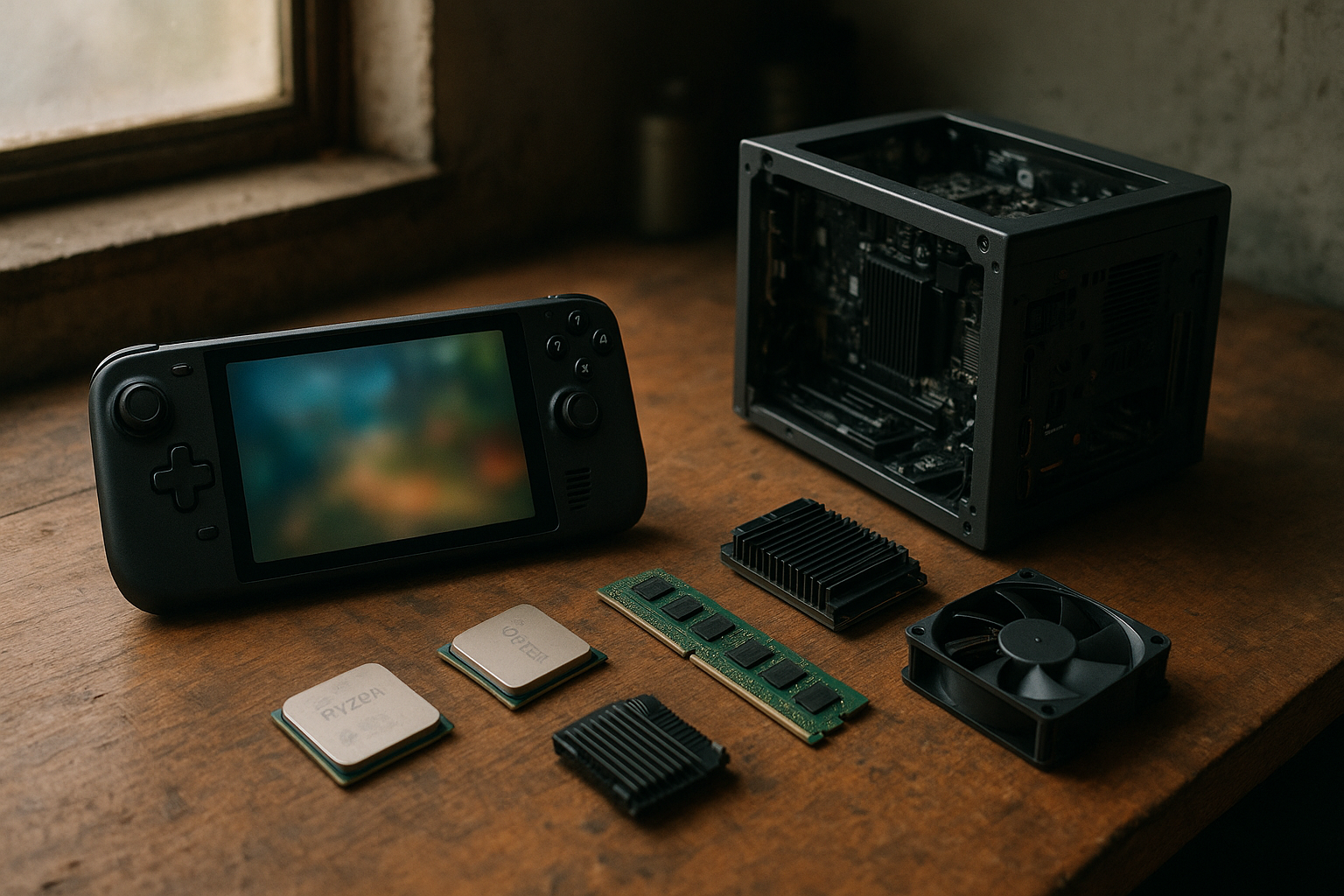
SteamOS 3.8 takes Valve’s Linux gaming platform beyond the Steam Deck by improving its ability to run on additional handhelds, desktop components, and future Steam Machine-style systems. That shift matters because SteamOS hardware support has historically been closely associated with one device family. The latest development points to a more flexible operating system that manufacturers and enthusiasts can use across a wider range of PCs.
This article explains what the SteamOS 3.8 update changes in practical terms, how to interpret its AMD and Intel support, what it means for third-party hardware, and where compatibility still falls short of the experience provided by an officially supported Steam Deck.
Table of Contents
What SteamOS 3.8 changes
The most significant part of SteamOS 3.8 is not a single visual feature. It is the direction of the update: Valve is continuing to move SteamOS beyond a Steam Deck-only operating system and is adding the system-level support needed for a broader range of PC hardware.
That work spans the Linux kernel, graphics stack, firmware handling, input devices, display behavior, power management, and the desktop and gaming interfaces. Users typically experience these components as one operating system, so they can be easy to overlook. On an unfamiliar handheld or desktop, however, a weakness in any one of them can affect sleep, controller input, screen rotation, Wi-Fi, audio, suspend and resume, or game performance.
SteamOS 3.8 should therefore be viewed as an enablement update as much as a feature update. It lays more groundwork for SteamOS support across different configurations, but it does not automatically turn every PC into a fully supported SteamOS machine.
Why the SteamOS 3.8 update matters
Valve’s approach matters for three reasons:
- More hardware choices: users may eventually have more options than the Steam Deck when choosing a SteamOS-based handheld or living-room PC.
- A clearer software target for manufacturers: device makers can design around a known gaming-focused operating system instead of asking users to install a general-purpose Linux distribution.
- More pressure on the PC gaming market: a polished console-style Linux interface can encourage hardware vendors to treat Linux support as part of the product rather than an enthusiast-only experiment.
The update does not eliminate the need for device-specific testing. Manufacturers still need to validate buttons, thermal controls, firmware, speakers, wireless hardware, screens, charging behavior, and performance profiles. SteamOS 3.8 makes that work more feasible; it does not complete it automatically.
SteamOS hardware support explained
In the PC world, “support” can mean several different things. That distinction is especially important when discussing SteamOS compatibility: a computer may boot the operating system while still lacking the integrations required for a reliable handheld or console-like experience.
| Level of support | What it usually means | What the user should expect |
|---|---|---|
| Bootable | The installer or recovery image starts and the system can load SteamOS. | Basic functionality may work, but many components can remain untested. |
| Community-compatible | Users or developers have supplied fixes, configuration files, or workarounds. | The device may be usable, but updates can break custom fixes and support may be limited. |
| Hardware-enabled | The operating system includes broader drivers and platform support for a hardware class. | Core components have a better chance of working without manual intervention. |
| Officially validated | Valve or the device manufacturer has tested the complete product experience. | Users can reasonably expect coordinated updates, recovery guidance, and device-specific tuning. |
SteamOS 3.8 expands the second and third categories across more hardware. That is meaningful progress, but it should not be mistaken for every third-party handheld receiving the same certification or polish as the Steam Deck.
What must work beyond booting
A gaming handheld needs more than a functioning graphics driver. It also requires dependable suspend and resume, accurate battery reporting, functional shoulder buttons and thumbsticks, usable touchscreen behavior, hotkeys, screen orientation, fan control, and a way to switch between performance and battery-saving modes.
Desktop systems have different requirements. A SteamOS installation on a mini PC or custom gaming computer needs reliable display output, networking, audio, Bluetooth, storage detection, boot firmware support, and a sensible desktop mode. Hardware that works perfectly on a handheld may still present different problems when connected to multiple monitors or unusual peripherals.
That is why broad SteamOS hardware support is best understood as a progression. Valve can provide the operating-system components, but the final quality depends on how closely the hardware design aligns with those components’ assumptions.
AMD, Intel, and Steam Machine support
SteamOS is strongly associated with AMD-powered devices because the Steam Deck uses an AMD custom accelerated processing unit. AMD’s integrated graphics and mature Linux driver support also make the company’s laptop and handheld chips a natural target for SteamOS gaming.
What SteamOS AMD support means
SteamOS AMD support involves more than displaying an image. A good implementation requires the operating system to understand the processor’s graphics architecture, power states, thermal limits, display outputs, and performance controls. Handhelds also rely on dependable integration between the AMD platform and the vendor’s buttons, sensors, battery, and charging hardware.
That gives AMD-based handhelds a practical advantage: many core graphics and kernel components are already part of the Linux ecosystem. It does not mean every AMD device will behave like a Steam Deck. Different screen resolutions, memory configurations, wireless chips, controllers, and firmware can still require additional work.
For buyers, the useful question is not simply “Does this device use AMD?” It is “Has this exact model been tested with the SteamOS image and its device-specific controls?” The model number matters more than the processor brand alone.
What SteamOS Intel support means
Intel support broadens the potential hardware base beyond AMD handhelds. Intel graphics drivers are developed as part of the upstream Linux ecosystem, which can help SteamOS run on Intel-based desktop systems, compact PCs, and some portable designs. However, graphics compatibility and complete product support remain separate questions.
Intel-based systems can vary significantly in graphics generation, processor power limits, memory configuration, display wiring, and firmware. A desktop mini PC may work well with a monitor and wired controller but lack the battery and handheld controls that SteamOS’s gaming interface expects. Conversely, a portable system may need custom integration for its buttons, fan profiles, and power management.
The practical significance of the Intel work is strategic. It makes SteamOS less dependent on one processor family and increases the possibility of small gaming PCs or future Steam Machine products using different hardware designs.
What SteamOS Steam Machine support could enable
The phrase “Steam Machine” describes a category of living-room gaming PCs rather than one current, universal hardware specification. SteamOS 3.8’s broader PC support is relevant to that category because a compact desktop does not need the same controls or battery features as a handheld.
A SteamOS-based desktop could boot directly into the Steam gaming interface, pair with wireless controllers, and provide a console-like experience while retaining the flexibility of PC hardware. The operating system would still need strong support for graphics cards, display configurations, audio, networking, storage, firmware updates, and recovery.
It is safer to describe this as groundwork than as proof that every future Steam Machine is ready. A complete product announcement would need to identify the hardware, availability, update policy, and support responsibilities. SteamOS 3.8 can make that class of device more practical without answering those product questions on its own.
The third-party device experience
SteamOS third-party hardware is appealing because it could combine the simplicity of a console interface with the openness of a PC. Users could choose different screen sizes, performance levels, form factors, storage options, and prices instead of accepting one fixed design.
The trade-off is greater variation. Manufacturers may use different controllers, trackpads, wireless modules, biometric sensors, displays, or firmware tools. Even two handhelds with similar AMD processors can require different software integration.
What users should check before installing
Before installing SteamOS 3.8 on a non-Steam Deck device, check the following:
- Exact model support: confirmation for a processor family is not the same as confirmation for a particular handheld or mini PC.
- Recovery options: make sure the original operating-system recovery image and device drivers are available before replacing the installed system.
- Controls: verify that all buttons, sticks, triggers, touchpads, gyroscope features, and shortcut combinations are recognized.
- Power management: look for reports covering sleep, resume, battery charging, fan behavior, and low-power modes.
- Display behavior: check resolution, refresh rate, portrait-to-landscape rotation, external monitor support, and brightness controls.
- Wireless and audio: Wi-Fi, Bluetooth, speakers, microphones, and headphone output can depend on components that differ from the Steam Deck.
- Updates: confirm how the device receives SteamOS updates and whether the manufacturer provides fixes for hardware-specific problems.
The safest sources are a device manufacturer’s support page or Valve’s current SteamOS information. Community reports can also help, but they may describe a particular installation image, workaround, or software version rather than a permanent level of support.
Valve’s official SteamOS page is a useful starting point for the platform’s stated goals. Developers and technically minded users can also review the ValveSoftware SteamOS repository on GitHub, while the Steam Deck technical specifications provide a reference for the hardware and software integration of Valve’s own device.
SteamOS compared with other Linux gaming options
SteamOS 3.8 is not automatically the best operating system for every gaming PC. Its biggest strengths are the focused interface and the way Steam, Proton, device controls, and system updates are presented as one product. Other Linux distributions may offer newer desktop packages, broader hardware documentation, or greater control over system configuration.
| Option | Main strength | Best fit | Main compromise |
|---|---|---|---|
| SteamOS | Console-style Steam interface with an integrated desktop mode. | Users who want a Steam-focused handheld or living-room PC. | Third-party hardware support can vary, and some devices need manufacturer integration. |
| General-purpose Linux distribution | Broad package availability and control over the desktop environment. | Experienced users who want to customize the entire system. | More setup may be required for gaming mode, controller mapping, and power profiles. |
| Windows | Wide commercial game, driver, and vendor-software compatibility. | Users who need specific Windows applications, anti-cheat support, or manufacturer utilities. | Handheld navigation and battery tuning can feel less consistent across devices. |
SteamOS Linux gaming relies heavily on Proton, Valve’s compatibility layer for running many Windows games on Linux. Proton can deliver excellent results, but compatibility is determined on a game-by-game basis. Anti-cheat systems, launchers, media components, kernel-level software, and unsupported DRM can still prevent a game from working correctly.
Users should consult the game’s current reports on ProtonDB and review the developer’s own support information before assuming SteamOS compatibility is guaranteed. A title that works on one Linux system may still encounter issues on a particular handheld because of graphics drivers, controller mapping, or performance limits.
Who should use SteamOS 3.8?
The SteamOS 3.8 update is most appealing to users who want a focused gaming environment and are comfortable with some model-specific variation. It is also relevant to hardware enthusiasts evaluating compact PCs or handhelds that do not ship with Valve’s operating system.
Good use cases
- Steam-focused handheld gaming: the gaming interface is easier to navigate from a controller than a traditional desktop operating system.
- Living-room PCs: a small computer connected to a television can start in a game-centric interface rather than a conventional desktop.
- Older or repurposed PCs: compatible hardware may gain a simpler gaming role without a full Windows installation, although performance depends on the components and drivers.
- Developers and manufacturers: broader platform support provides a useful target for testing Linux gaming hardware and device integrations.
- Linux-curious PC owners: SteamOS offers a more appliance-like introduction to Linux than a general desktop distribution.
Who should wait
- Users who depend on one Windows-only game or application: Proton is not a universal replacement for native Windows support.
- Owners of unsupported handhelds: installation may leave important controls, power features, or wireless components incomplete.
- People who need professional desktop software: SteamOS is designed around gaming, not as a replacement for every Windows or macOS workflow.
- Users who do not want to troubleshoot: unofficial hardware may require manual fixes after updates.
For a supported device, the risk is relatively manageable because the manufacturer or Valve can provide a known recovery path. For an unlisted device, treat installation as an experiment and keep a backup of important data.
Limitations and risks to consider
Expanded compatibility does not remove the normal complications of PC hardware. SteamOS 3.8 may improve the operating system’s ability to recognize or manage a component, but manufacturers still control firmware and may withhold the documentation needed for advanced features.
There is also a difference between upstream Linux support and a finished consumer product. A graphics driver may be present while a fan-control utility is missing. A controller may register basic input while its special buttons do not. A system may resume from sleep correctly most of the time but fail with a particular dock, monitor, or wireless configuration.
Update and recovery risk
SteamOS updates are designed to be managed as operating-system releases, but third-party configurations introduce additional variables. A workaround that modifies boot settings, controller mappings, or system files may need to be reapplied after an update, and an unofficial installation may not receive the same testing as Valve’s own hardware.
Before testing SteamOS 3.8, users should:
- Back up personal files and game saves that are not synchronized through Steam Cloud.
- Download the original recovery media or confirm that it can be obtained later.
- Record the current firmware settings and device-specific utilities.
- Test basic hardware first rather than immediately changing advanced performance settings.
- Keep a second computer or phone available for documentation if networking or display output fails.
These precautions are not an argument against third-party SteamOS hardware. They reflect the difference between buying a complete supported product and installing an operating system on a device that was not designed around it.
Key Takeaways
- SteamOS 3.8 expands the operating system’s hardware direction beyond the Steam Deck.
- Broader support includes important platform work for additional AMD and Intel systems, but processor support alone does not guarantee a complete handheld experience.
- SteamOS Steam Machine support is best understood as a foundation for future compact gaming PCs, not proof of a specific product or release.
- Third-party compatibility depends on controls, firmware, display behavior, power management, audio, wireless hardware, and update support.
- SteamOS remains strongest for Steam-focused gaming, while Windows and general-purpose Linux distributions may be better for specific software or unsupported devices.
- Check exact model support and prepare recovery media before installing the SteamOS 3.8 update on non-Valve hardware.
Frequently Asked Questions
What is SteamOS 3.8?
SteamOS 3.8 is a newer version of Valve’s Linux-based gaming operating system. Its importance lies in broader hardware enablement, including work that can help SteamOS run beyond the Steam Deck’s original hardware target. The exact experience still depends on the device, firmware, drivers, and controls. A system that boots SteamOS is not necessarily an officially validated SteamOS product.
Does SteamOS 3.8 support every third-party handheld?
No. SteamOS 3.8 improves the platform’s ability to support more hardware, but it does not make every handheld fully compatible. A device may need specific work for its buttons, screen orientation, power profiles, fan controls, wireless components, audio, and sleep behavior. Always check support for the exact model rather than relying only on its processor or graphics brand.
Does the update improve SteamOS AMD support?
Broader AMD support is a major part of SteamOS’s expansion because AMD hardware is widely used in gaming handhelds and compact PCs. However, an AMD processor does not guarantee Steam Deck-level integration. Different devices can use different displays, memory layouts, firmware, controllers, and power limits, so model-specific validation remains essential.
What does SteamOS Intel support mean for users?
SteamOS Intel support increases the range of desktop and compact PC hardware that may be suitable for the operating system. It can make Intel-based living-room PCs and other form factors more practical, but support varies by graphics generation and device design. Users should separately verify graphics performance, display output, Wi-Fi, Bluetooth, audio, suspend behavior, and controller support.
Is SteamOS 3.8 official support for new Steam Machines?
Not by itself. The update can provide important operating-system groundwork for Steam Machine-style desktop systems, but a complete official product also requires specific hardware validation, firmware integration, recovery support, and an update plan. Treat general SteamOS Steam Machine support as a platform direction unless Valve or a manufacturer identifies a particular system as supported.
Can SteamOS 3.8 run Windows games?
Many Windows games can run through Proton, Valve’s compatibility technology for Linux. Results vary by title, and some games can fail because of anti-cheat systems, launchers, DRM, media components, or unsupported software. Check current ProtonDB reports and the game developer’s support information before switching an important gaming system to SteamOS.
Should I install SteamOS 3.8 on an unsupported PC?
Only if you are comfortable troubleshooting Linux hardware and have a recovery plan. Back up your files, preserve the original operating-system recovery media, and expect that some components may need manual configuration. For a primary gaming device, an officially supported SteamOS product or a well-documented compatible model is a safer choice than an untested installation.
Conclusion
SteamOS 3.8 is significant because it moves Valve’s operating system toward a broader hardware platform instead of treating the Steam Deck as its only meaningful target. Expanded AMD and Intel support, better preparation for third-party devices, and a more realistic path to Steam Machine-style PCs could give Linux gaming a wider range of consumer hardware.
The key qualification is that compatibility remains model-specific. Before installing SteamOS 3.8, check the exact device, confirm controller and power-management support, review current Proton compatibility for the games you play, and keep recovery media available. That approach lets users take advantage of the update’s wider reach without mistaking general platform support for a guarantee that every PC will deliver the same experience as a Steam Deck.